[Troubleshooting] How to Install WinDbg and Visual Studio 2008 on Windows XP
Last Update:
Word Count:
Read Time:
Introduction
This article is part of my series: From Bug To Exploit.
In this article, I will introduce how to install WinDbg and Visual Studio 2008 on Windows XP.
Recently, I have been studying buffer overflow attacks. While practicing the examples from my textbooks, I found that one of the biggest headaches is setting up the experimental environment.
My textbooks use tools such as WinDbg and Visual Studio. These two applications can absolutely be installed on modern operating systems like Windows 10 or 11.
Researchers can easily install modern versions of Visual Studio and WinDbg on Windows 10 and 11. However, Microsoft no longer supports legacy operating systems such as Windows XP. In other words, you cannot directly install these two tools on Windows XP.

After a number of tests, I successfully installed these two applications on Windows XP. Therefore, I decided to write this article to document how to install Visual Studio 2008 and WinDbg on a Windows XP virtual machine.

Prerequisite
In this article, I will use VMware Workstation. VMware Tools are essential. If you don’t know how to install them on Windows XP, please refer to this article.

Install WinDbg
The solution to installing these two applications on Windows XP is to use the legacy installers.
Since Microsoft doesn’t provide these two installers online anymore, they can be very difficult to find. Therefore, I have already uploaded them to my GitHub.
Murmur: Well, at least I didn’t find them on Microsoft’s website. If you find them, please let me know. BTW, although I have installed them on my virtual machine, you should not execute any unknown executable on your production machine. That’s why I put them into an archive file to avoid any unintentional execution.
What we need to do is run the installer dbg_x86.msi, follow the installation procedure, and then WinDbg will be installed.
Note: If your operating system uses an x64 architecture, please run
dbg_amd64.msi.
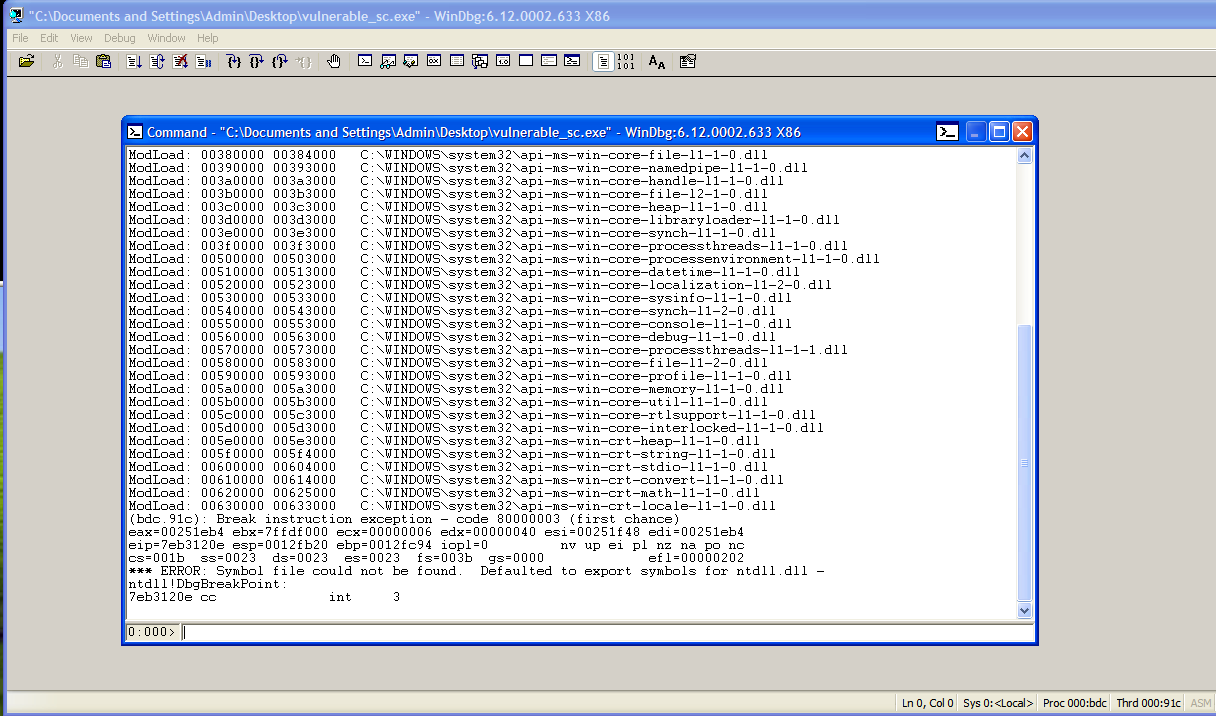
After installation, we need the symbol files. Otherwise, WinDbg cannot function properly. Note that you cannot use the symbol files from Windows 10 or 11. You must use the symbol files for Windows XP.
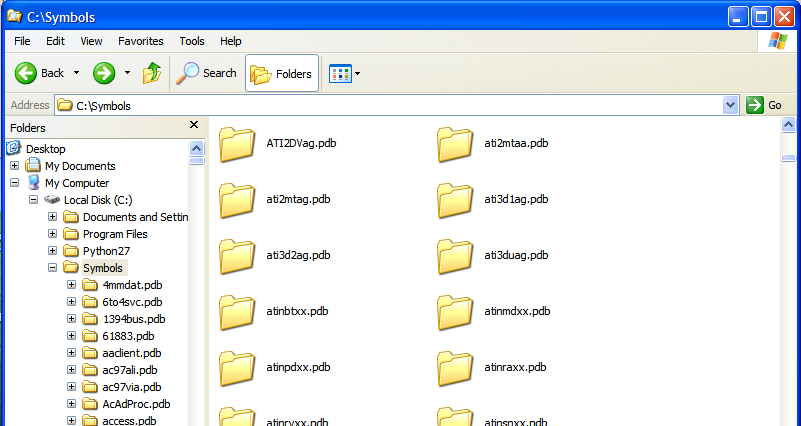
Microsoft’s servers may disable legacy TLS protocols, but that’s fine! Download symbol.7z from my GitHub as well. Then, extract the file under C:\Symbols\ (or wherever you like).
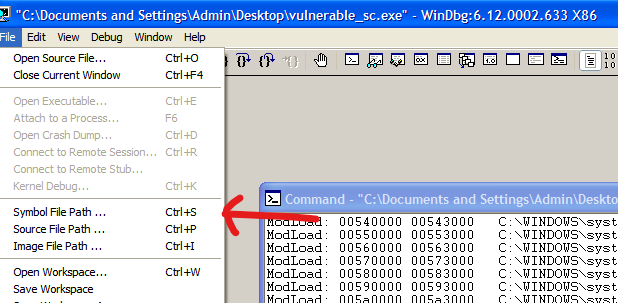
Next, open your WinDbg, and click File —> Symbol File Path:
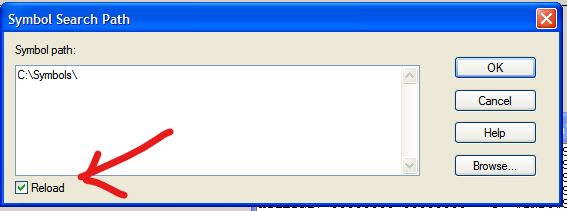
Enter the path C:\Symbols and remember to check Reload:
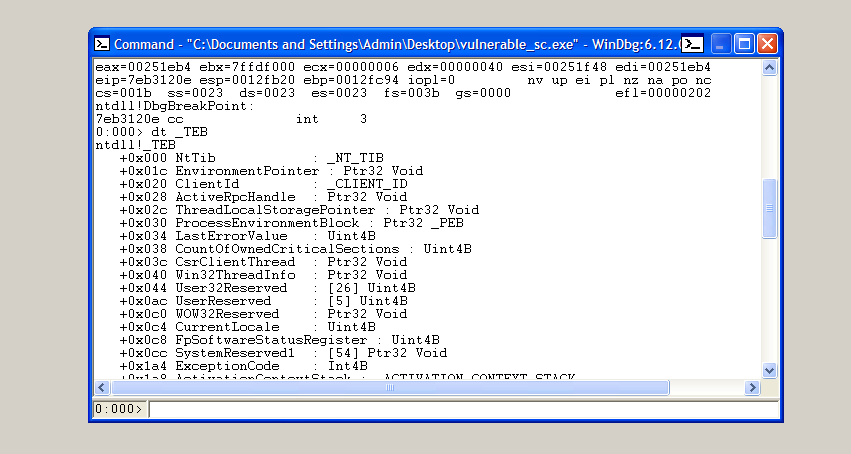
At this point, you have successfully installed WinDbg on Windows XP. Let’s try to view the structure of TEB!
Install Visual Studio 2008
Similar to WinDbg, the installer is very difficult to find online.
However, we can still install it on Windows XP using an ISO file.
First, download a suitable ISO file from archive.org
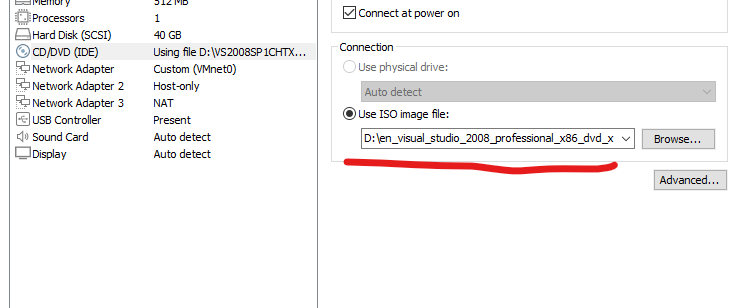
Then, just like when installing VMware Tools on Windows XP, open the virtual machine settings, select CD/DVD, and change the ISO image file path to the ISO file you downloaded earlier:
And the rest is the same as installing VMware Tools.
If you cannot find the ISO file on your computer, this is probably because your ISO file is too large. In my case, I downloaded en_visual_studio_2008_professional_x86_dvd_x14-26326.iso, which is over 3 GB.
In this case, move the ISO file onto your Windows XP virtual machine.
Murmur: This is why you need to install VMware Tools.
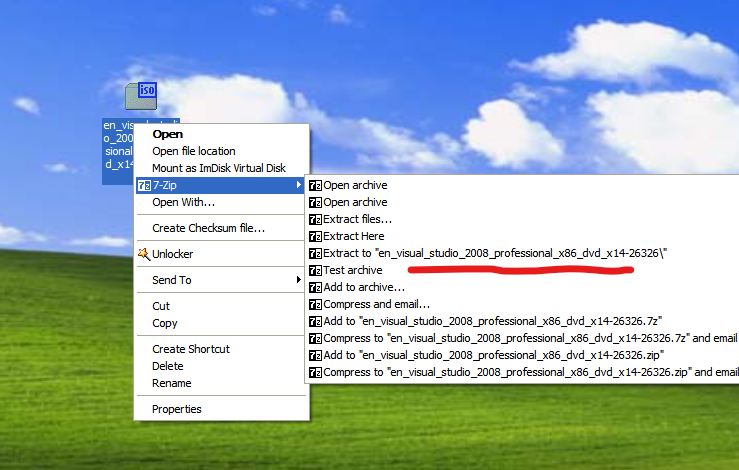
Extract the ISO file to a directory you like:
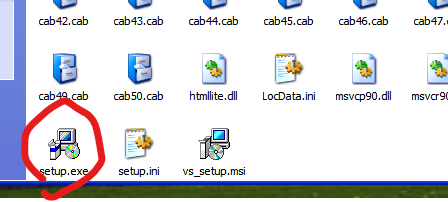
Run setup.exe, and then wait for the installation to complete.
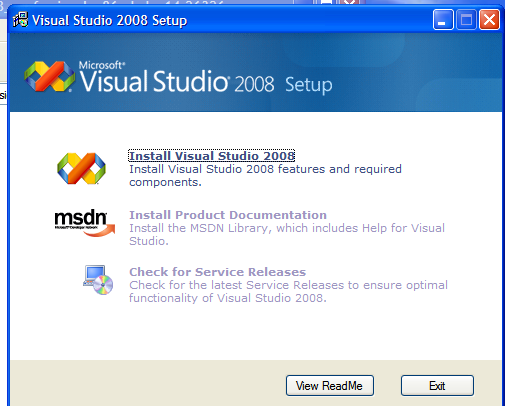
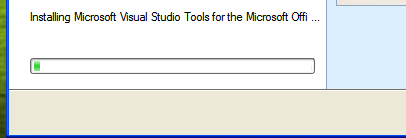
Then, you can use Visual Studio 2008 on Windows XP!
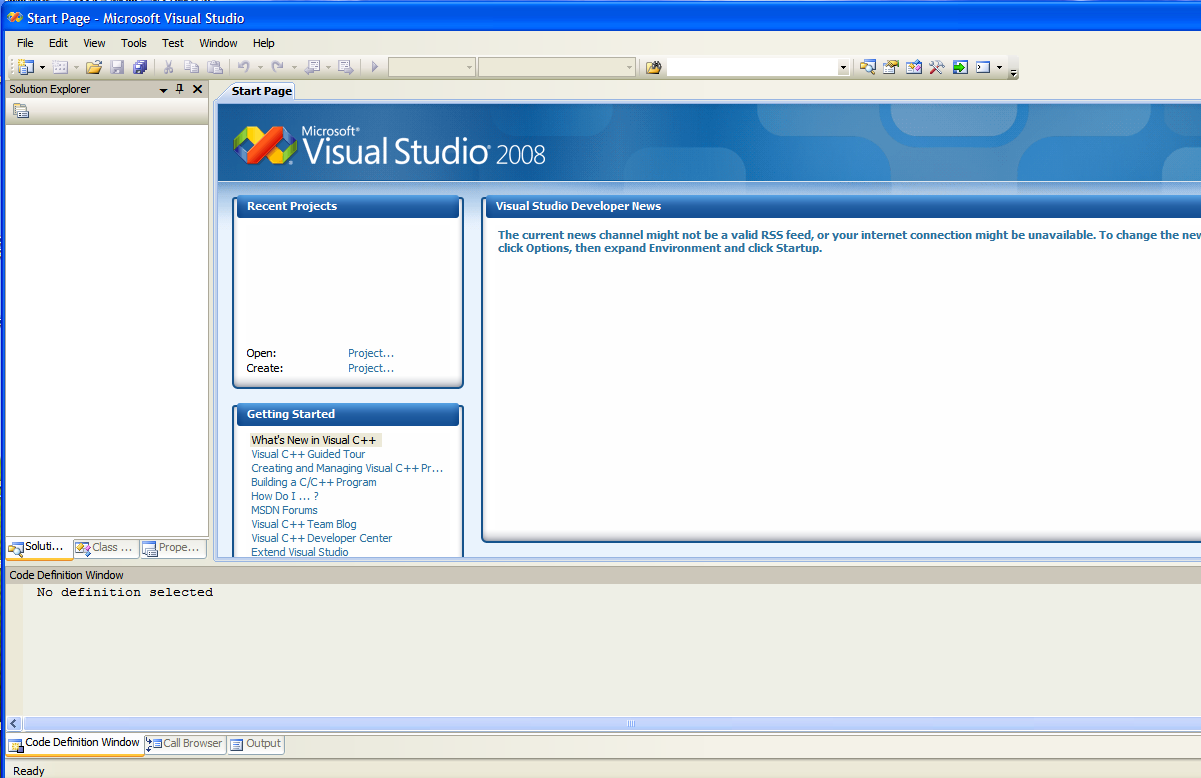
Conclusion
In this article, I discussed how to install legacy versions of WinDbg and Visual Studio 2008 on a Windows XP virtual machine using VMware.
Again, setting up an experimental environment for studying legacy techniques is always a challenge! I hope everyone can find something useful in this article!
This is the end of this article. If you have any comments or issues, please feel free to leave them below!
THANKS FOR READING!
I drew a new drawing!