[Tools] DuplexSpy v2.0.0
Last Update:
Word Count:
Read Time:
Preface
This document describes DuplexSpy (also referred to as DuplexSpyCS, where CS stands for C#).
If you are reading this document, I am glad to announce the release of DuplexSpy version 2, after more than six months of the version 1. During this period, I struggled with various emotional and academic issues, which once led me into depression. Fortunately, I managed to overcome one of my biggest personal challenges (even though it might seem trivial to others).

As a college student, developing a GUI-based remote access tool entirely on my own—and performing proper quality assurance (QA)—has been a significant challenge for me. Due to limited time, experience, and resources, this project may still contain defects or design flaws that I have not yet discovered. Nevertheless, I believe that I have successfully built a RAT that incorporates a variety of offensive techniques and practical features.

If you find this project helpful or informative, I would truly appreciate a ⭐ on the repository. Your support would be a great motivation for me to continue improving this tool.

Introduction
DuplexSpy incorporates features inspired by other tools as well as my own personal experience. Compared to the previous version, I removed several features that I considered unnecessary and added a number of new ones. Throughout this development process, I learned a great deal, and I sincerely hope that this project can be useful to others who are interested in offensive security or malware research.
If you encounter any issues or have suggestions, please feel free to open an issue on the repository page.
View the GitHub repository here.
Disclaimer
This project was developed as part of my personal interest in studying cybersecurity. However, it may potentially be misused for malicious purposes. Please do NOT use this tool for any illegal activities.

Getting Start
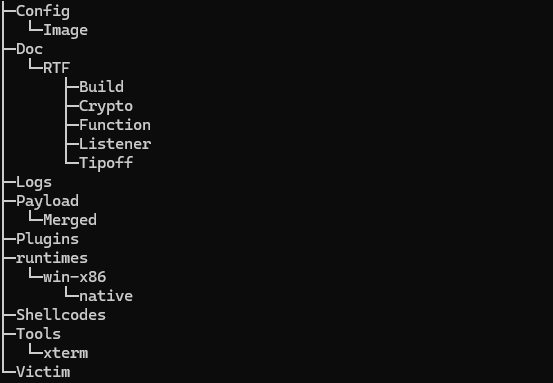
Directory and Files
Directory structure is shown as following:
Deploy
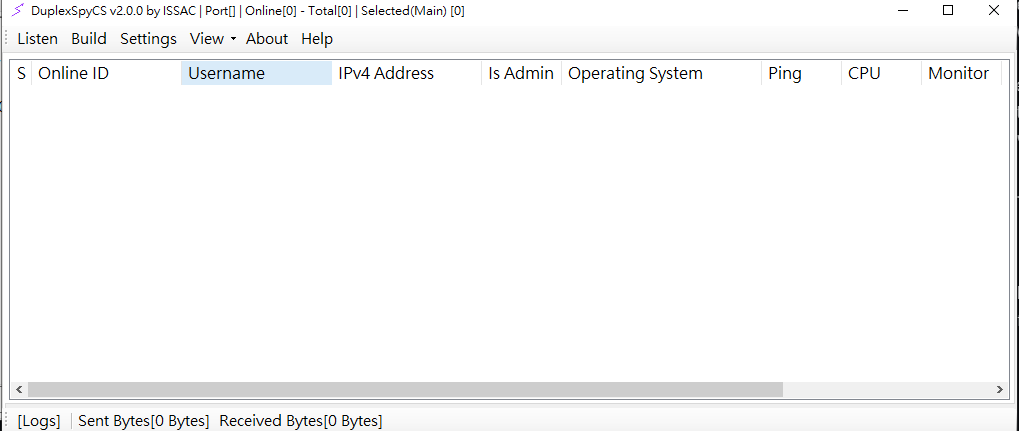
Execute DuplexSpyCS.exe. This is the home page of DuplexSpy:
Listener
A listener is an interface component of DuplexSpy. It acts as a socket listener on the server side. DuplexSpy provides three types of listeners, all of which offer secure and robust communication protocols.
TCP
The data stream transmitted through this protocol is encrypted after a key exchange procedure. The server generates an RSA key pair and sends the public key to the client. The client then uses this public key to encrypt an AES key and an initialization vector (IV), and sends them back to the server.
After receiving the encrypted AES key and IV, the server decrypts them and stores them in memory. During the validation phase, the server sends a plaintext challenge to the client. The client responds with an encrypted version of the challenge using the AES algorithm. If the server can successfully decrypt the response using the stored AES key and IV, the validation procedure is considered complete. The server then notifies the client to enter the compromised state.
This protocol uses RSA-2048 and AES-256-CBC.
TLS
This protocol provides a secure and robust communication channel for C2 traffic. Before using this listener, you must generate an SSL certificate file.
HTTP
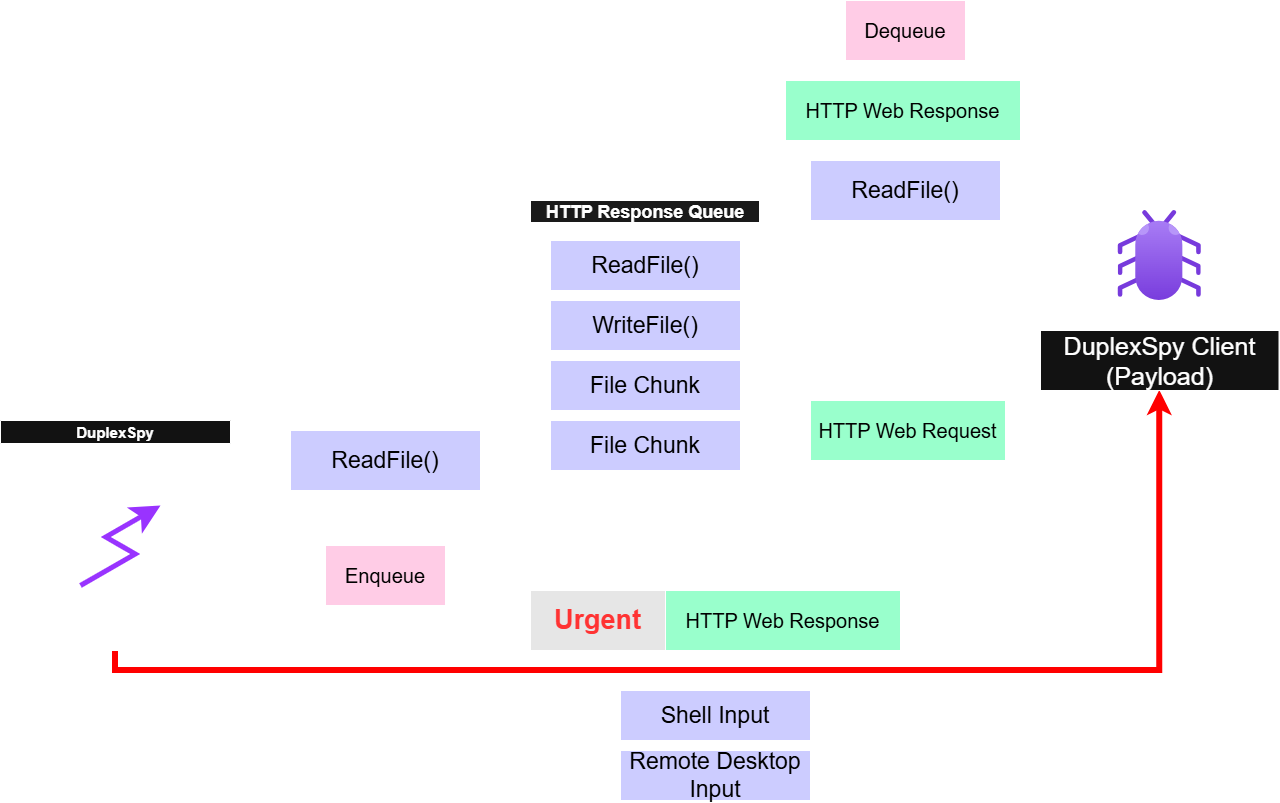
All data are encapsulated within HTTP requests and responses. This listener also provides an encrypted communication channel to protect C2 traffic. Its handshaking procedure is identical to that of the TCP listener described above.
Add a New Listener
In this example, I am going to demonstrate how to add a new listener.
Firstly, click the New button on the top.
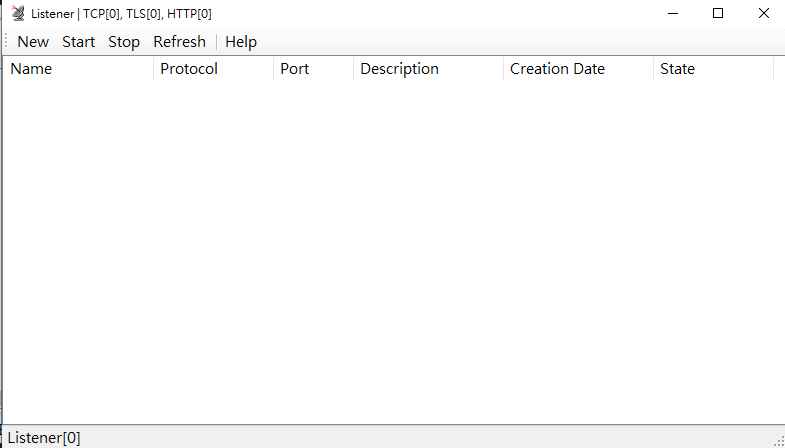
Now you have opened a new panel.
Select a protocol used for listener (In this case, I use TLS):
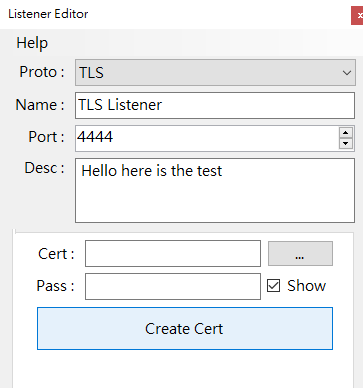
Notice that you should create a certificate file if you are going to use a TLS listener.
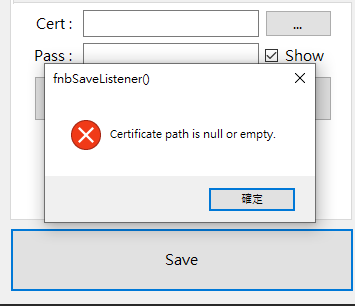
You can create a certificate file through openssl command or using DuplexSpy.
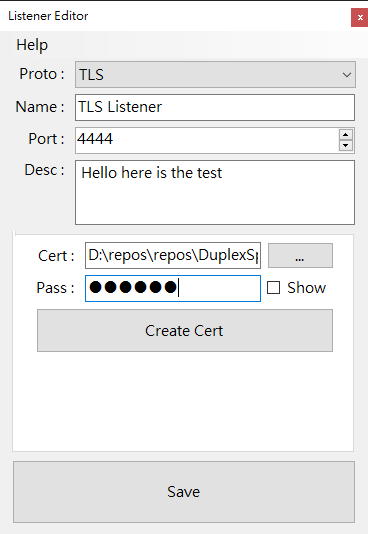
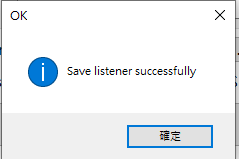
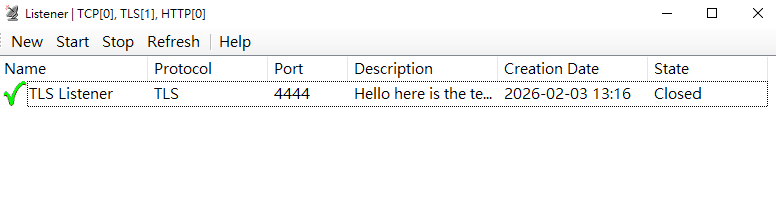
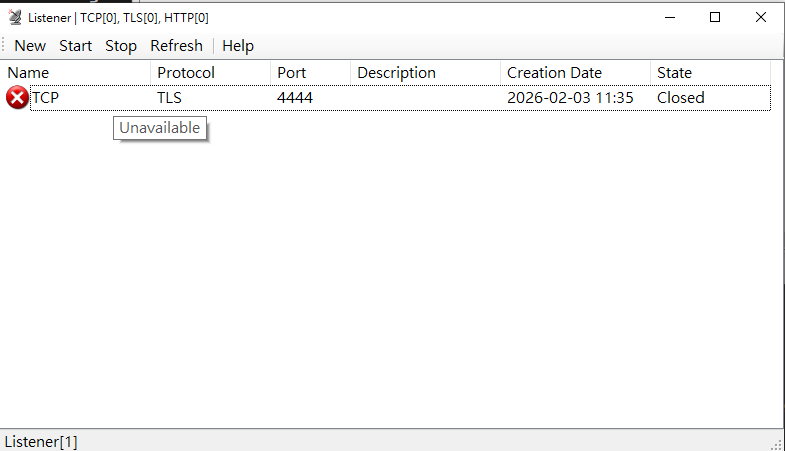
DuplexSpy checks the listener configuration before it shows. If a mal-config is detected. The state of your listener will be turned into unavailable.
Generate a Payload
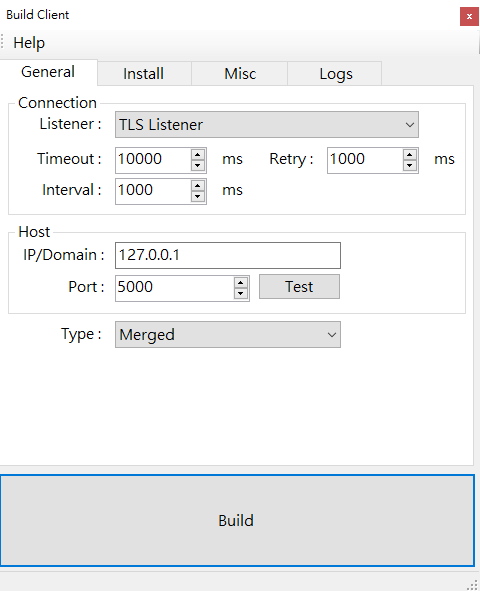
DuplexSpy currently provides a single payload type. In the previous version, three different payload types were available, but issues were discovered in the other two. These will be addressed in a future release.
To generate a payload, click Build on the home page.
Persistence
DuplexSpy provides two persistence methods. The first one is copy the payload to StartUp directory, and the second method is modifying the registry data. The latter method is called at the end of copying file.
Infected
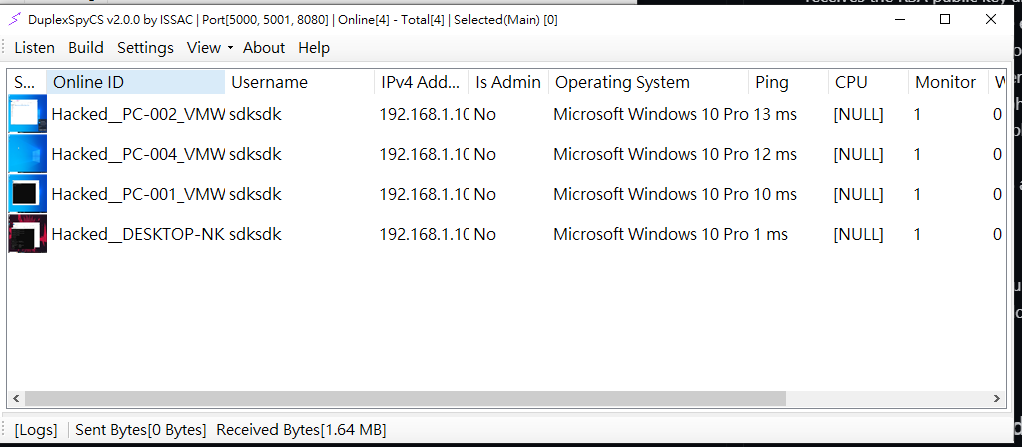
Like other remote access tools, the target can be infected by directly executing the .exe file. Once the remote machine is compromised and successfully connects to the server, it will appear as an available item on the home page.
If you see this, congratulations, you can now use the provided functions.

The context menu displays all available functions.
Manager
The Manager provides the following remote administration features:
- File Manager
- Task Manager
- Service Manager
- Registry Editor
- Connection View
- Window Manager
File Manager
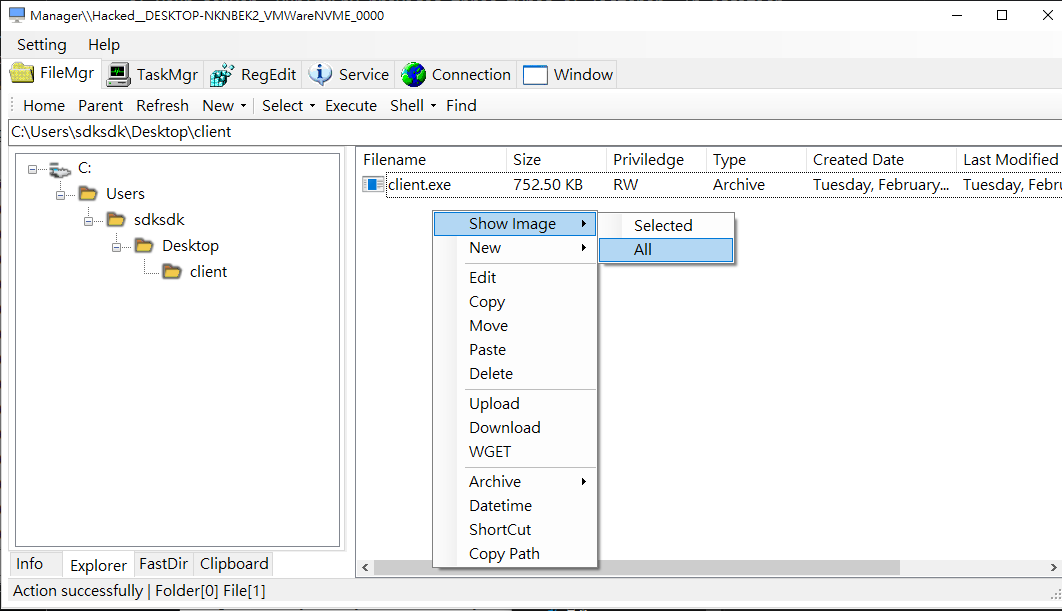
The File Manager provides the following functions:
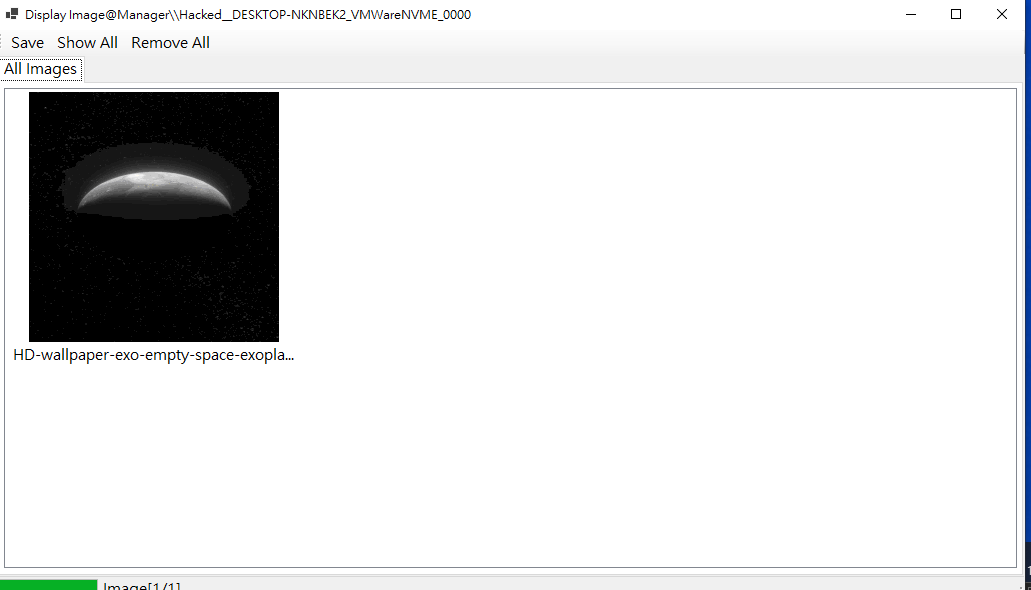
- Show Image
- New
- Edit
- Copy
- Paste
- Move
- Delete
- Upload
- Download
- WGET
- Archive
- Datetime
- Shortcut
- Copy Path
Toolbar functions:
- Home
- Parent
- Refresh
- New
- Select
- Execute
- Shell
- Find
Task Manager
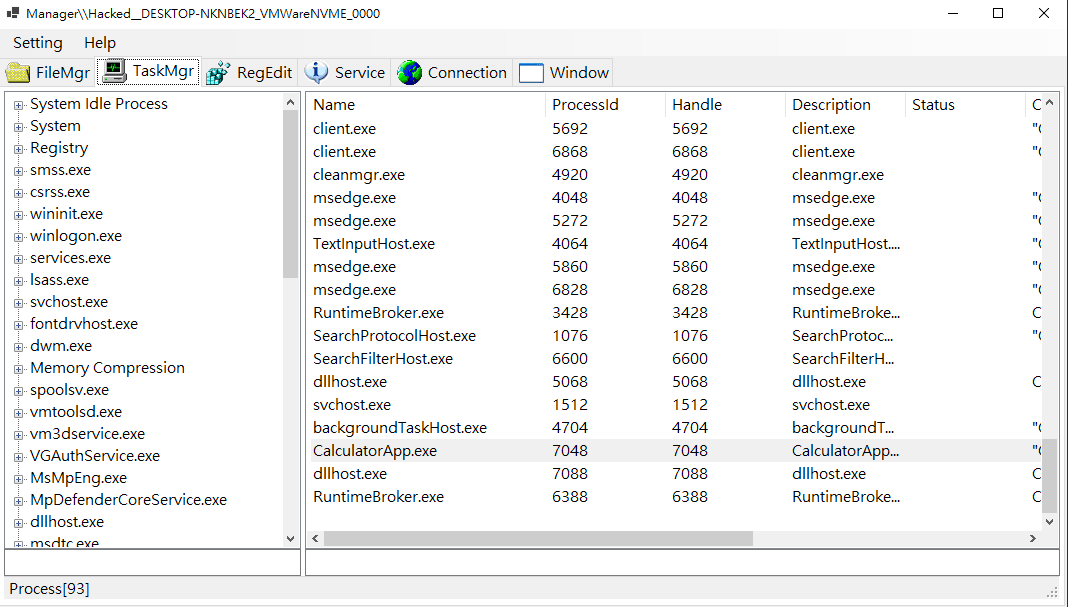
- Injector – Perform DLL or shellcode injection, click this to learn more about this feature.
- Start:
- Kill
- Kill + Delete
- Suspend
- Resume
- Copy
- Find Antivirus
RegEdit
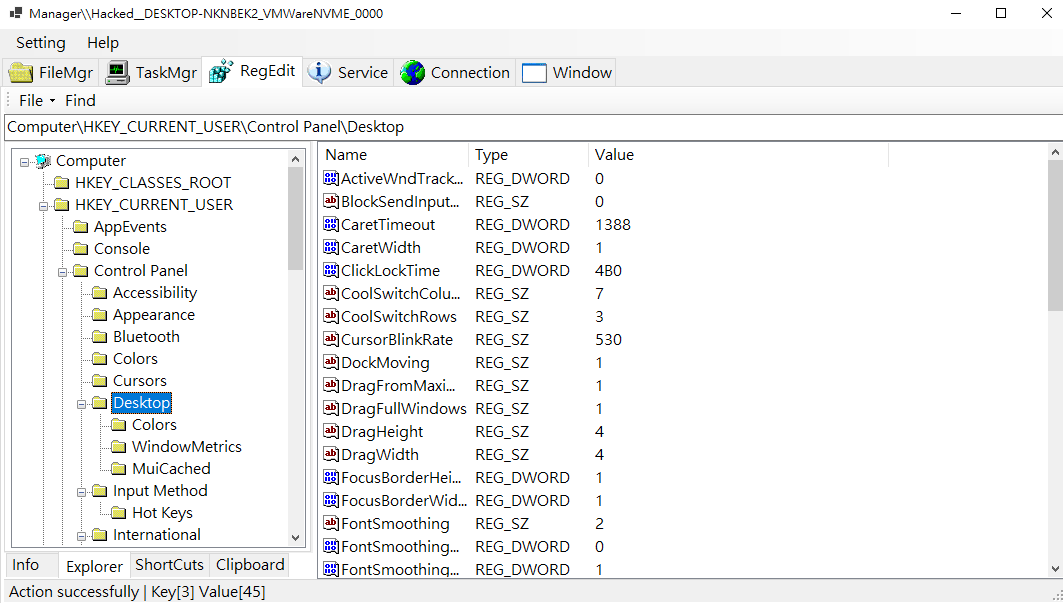
DuplexSpy implements a simple registry editor with a GUI similar to regedit.exe
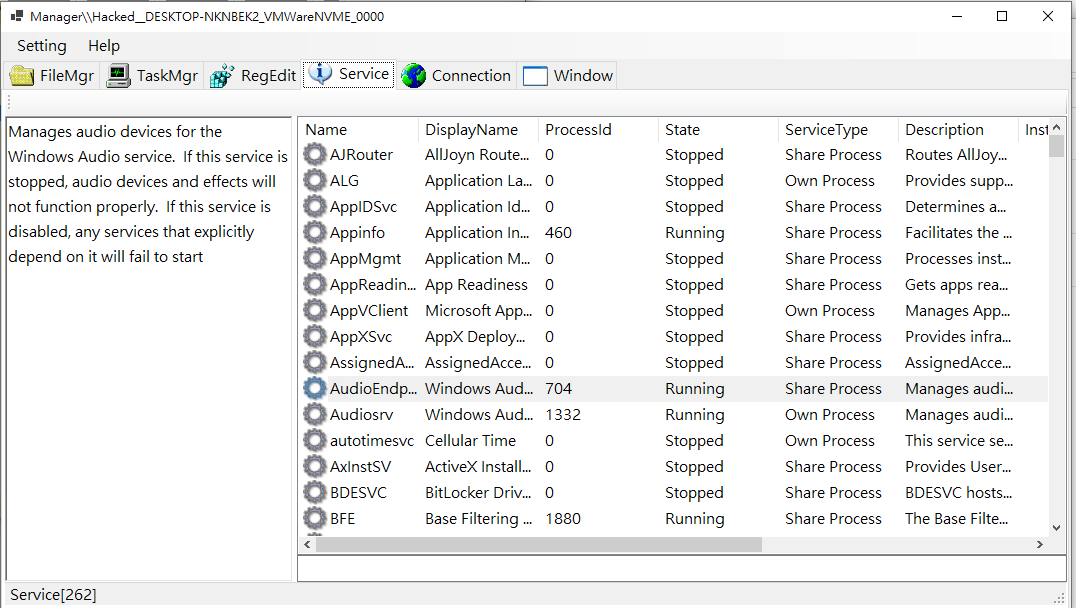
Service
Displays all Windows services on the compromised machine.
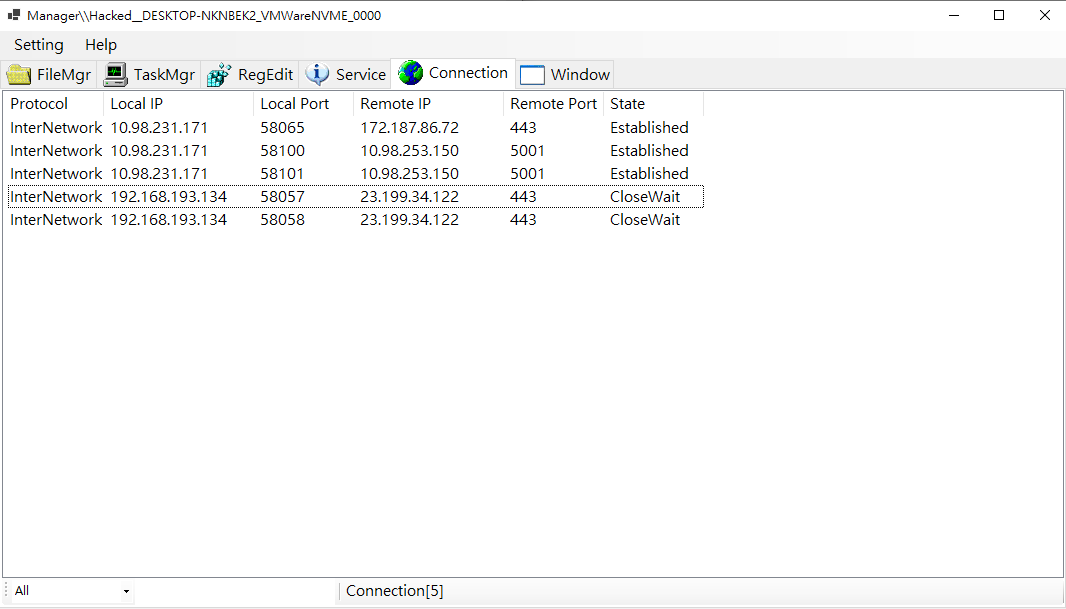
Connection
Displays all active network connections.
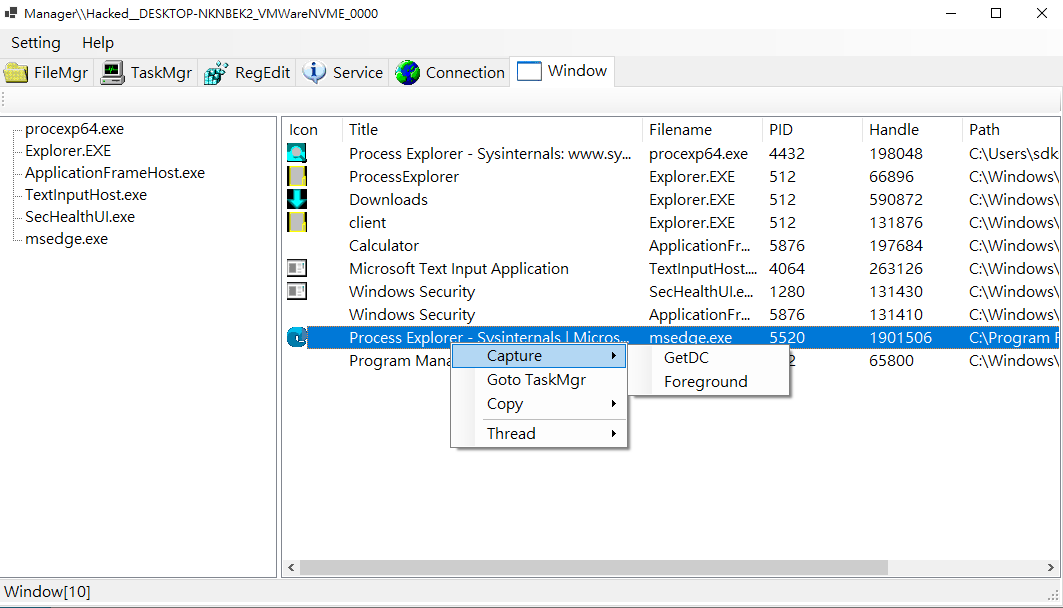
Window
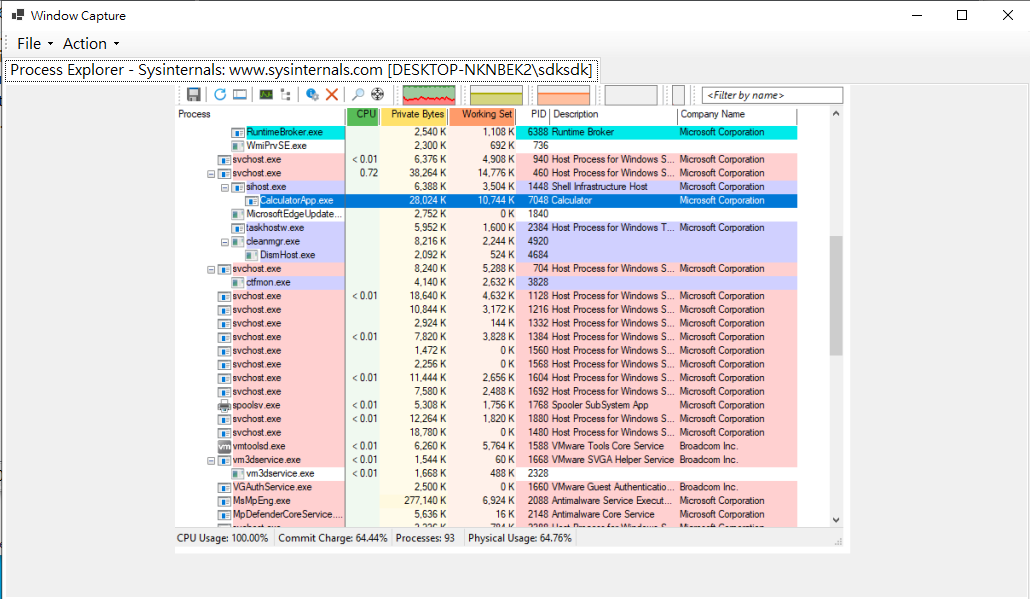
Displays all open windows and provides the following features:
- Capture
- GetDC
- Foreground
- Go to TaskMgr
- Copy
- Thread
- Suspend
- Resume
Terminal
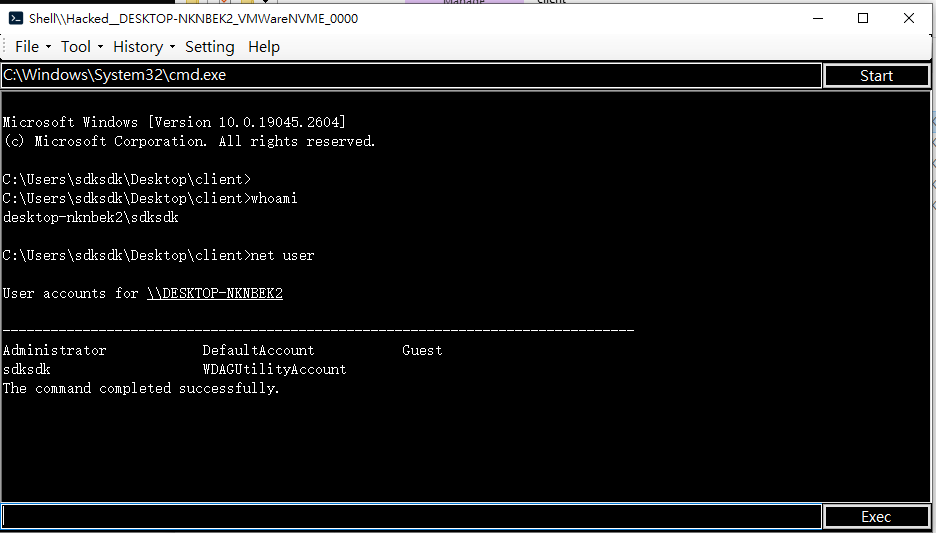
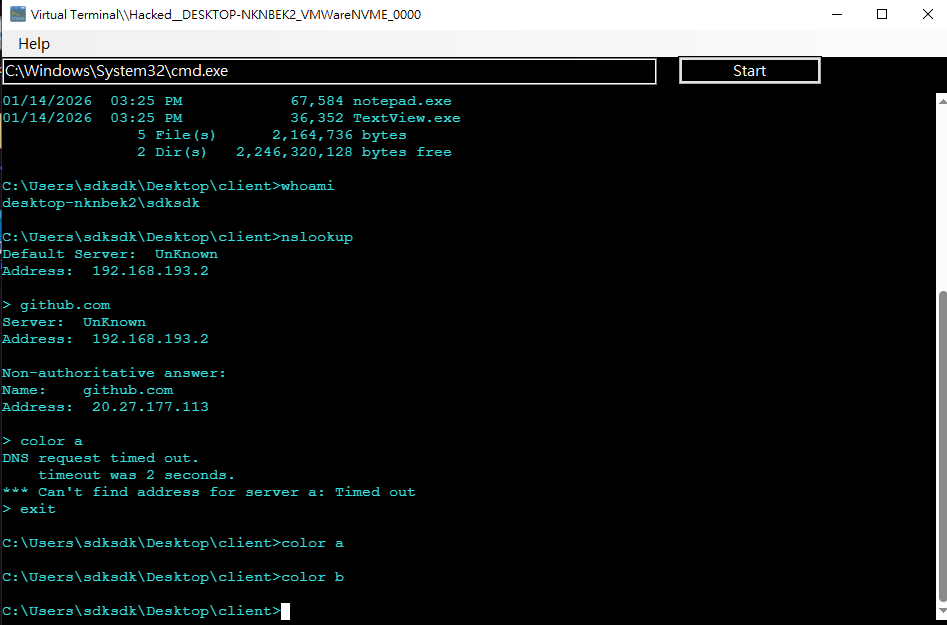
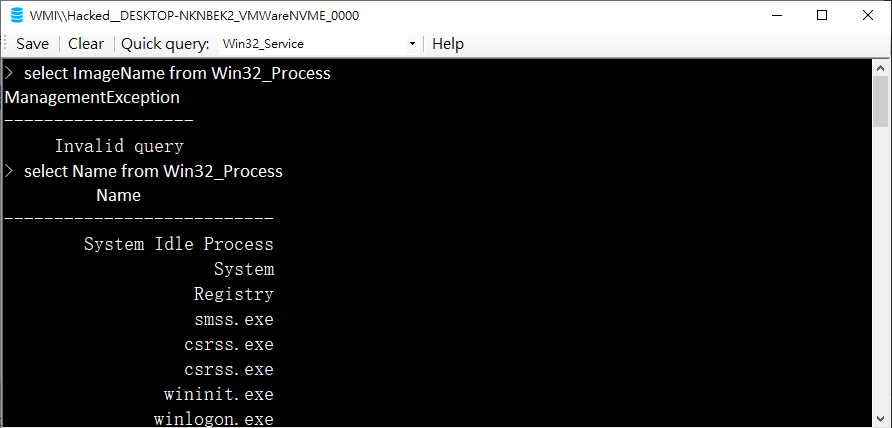
DuplexSpy provides two types of cmd.exe terminal and a WQL console.
Virtual Terminal
A traditional virtual terminal commonly found in RATs.
Xterm Terminal
Inspired by MobaXterm, this terminal provides an interactive console supporting tools such as:
nc.exepythonnmapsqlmapsshtelnetnetsh
WQL
Desktop
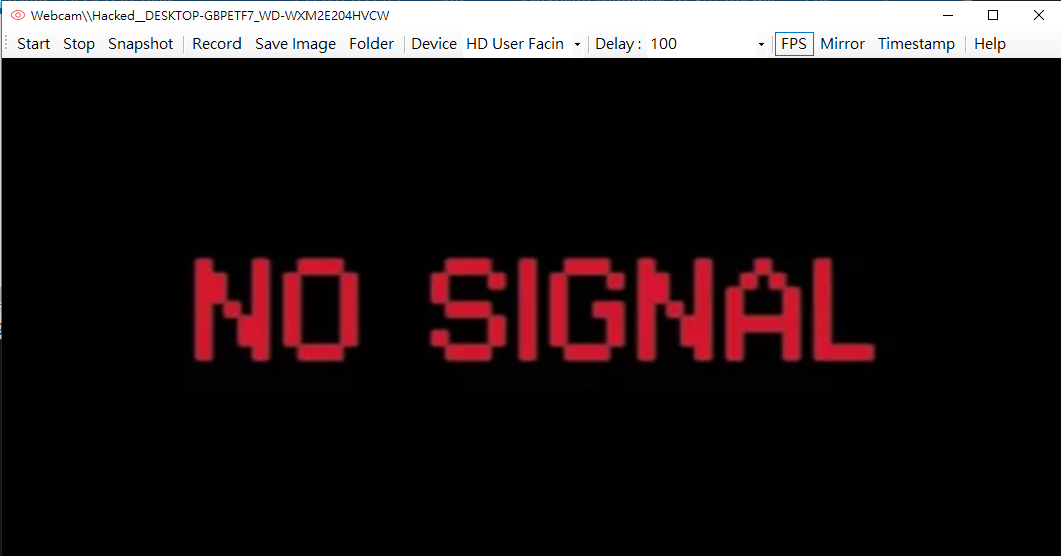
Webcam
Audio
Captures audio streams from microphones or speakers. The received audio can be saved as an .mp3 file.
FunStuff
Inspired by the classic Beast RAT, this module provides a collection of interactive and demonstrative features, including:
- MessageBox
- Balloon Tips
- Toggle
- Mouse
- Hide / Show the mouse cursor
- Lock / Unlock the mouse cursor
- Enable / Disable mouse trails
- hWnd
- Hide / Show the system tray
- Hide / Show the system clock
- Hide / Show the taskbar
- Hide / Show the Start Orb (the Start button at the lower-left corner of the screen)
- Keyboard
- Smile: Replace all keyboard input with a smiley face. For example, typing
HelloWorldwill result in ten 😊 characters. - Enable / Disable keyboard input
- Smile: Replace all keyboard input with a smiley face. For example, typing
- Mouse
- Image
- Wallpaper: Change or retrieve the current wallpaper of the compromised machine
- LockScreen: Display a specified image while disabling keyboard input and hiding the mouse cursor
Proxy
The Proxy feature is designed to demonstrate a common misconception: some people believe that compromising their computer is harmless because it contains no important data. This assumption is incorrect. Even if no sensitive data is present, a compromised machine can still be abused as a proxy to conceal the attacker’s real identity.
The Proxy function establishes a listener on the C2 server and accepts SOCKS5 connections from users. Network traffic is then forwarded through the compromised machine. The overall architecture is illustrated below:
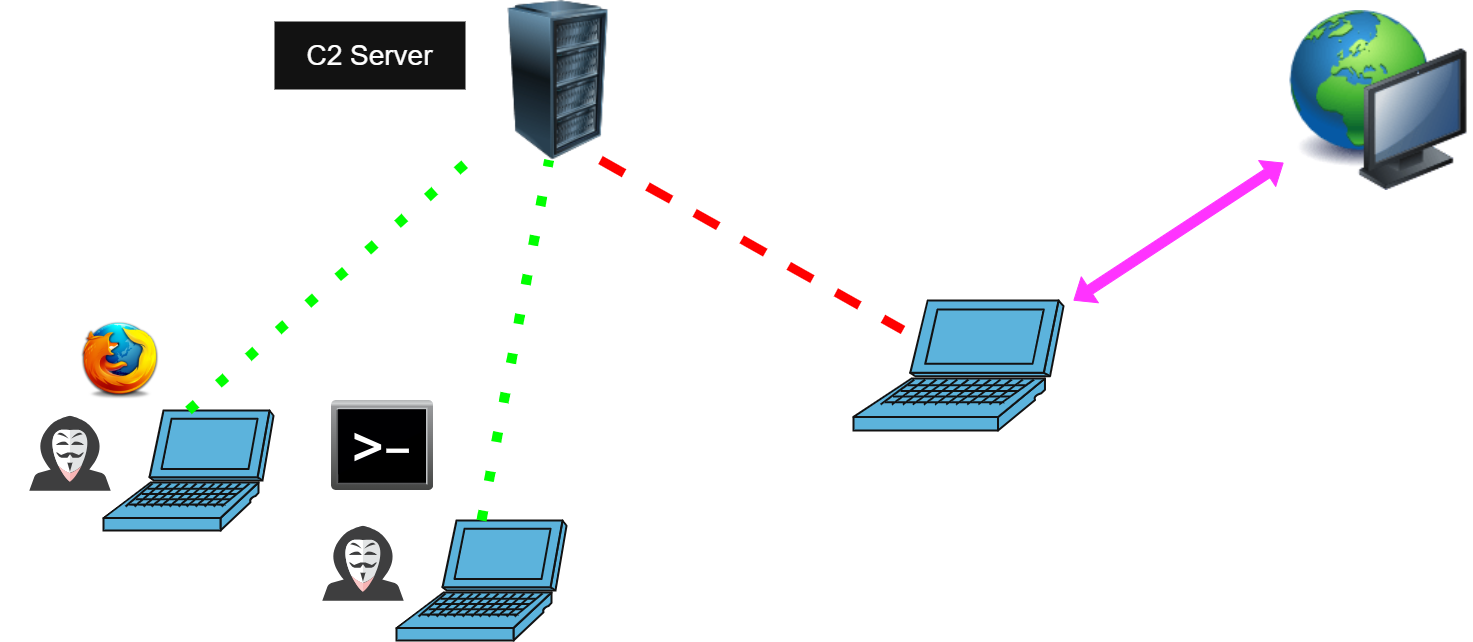
This feature allows attackers to browse the internet, watch YouTube, or even perform SSH logins to remote servers through the compromised host.
To learn more, please click here.
Misc
Keylogger
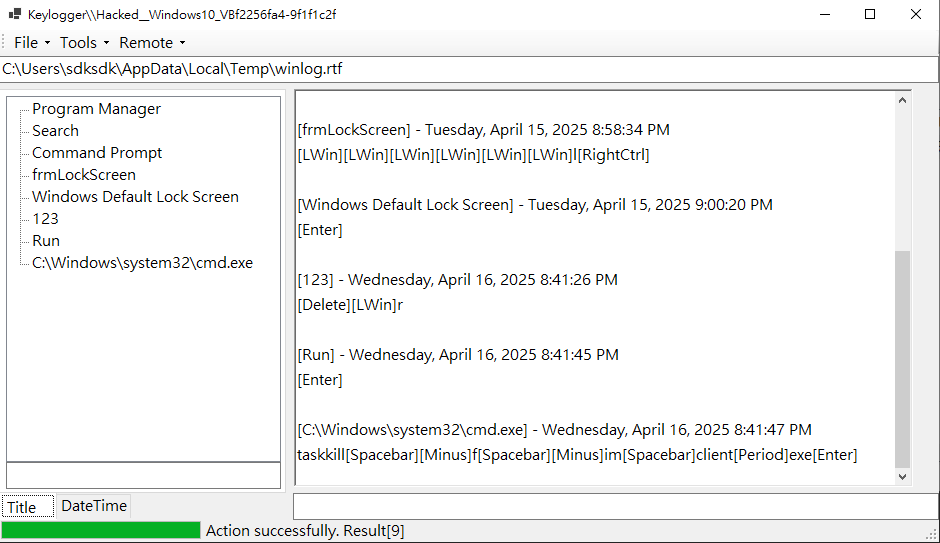
Years ago, when I was a beginner in cybersecurity, I was curious about how a keylogger could endanger user credentials if it only logged keystrokes. Later, I realized that the issue lies in practical design rather than raw data itself.
DuplexSpy demonstrates how an offensive keylogger is implemented—not only recording the keys pressed by the user, but also capturing the timestamp and the active window title.
Chat Message
This feature allows you to have a conversation with the user who is currently logged on to the compromised machine.
Currently, it supports single-user sessions and text messages only.
Run Script
Execute customized scripts. DuplexSpy provides three types of executable scripts:
- Batch
- C#
- VB.NET
Both C# and VB.NET scripts are executed filelessly, while Batch scripts are not.
PC Power
This function includes:
- Restart
- Logout
- Shutdown
- Sleep
All actions will be executed after a specified delay.
Note that the compromised machine will be disconnected after the action is triggered.
Fileless Execution
This feature allows you to execute a PE file without writing it to disk (fileless execution).
To learn more, please click this.
DLL Loader
This feature writes a DLL to a temporary file (%temp%) and loads it using Win32 APIs.
Note that this feature is not fileless.
To learn more, please click this.
Shellcode Loader
Load shellcode directly into memory. This feature IS FILELESS.
To learn more, please click this.
Plugin
This feature allows you to load a .NET Framework 4.8 assembly into memory, pass parameters to it, and execute customized functions.
To learn more, please click this.
Batch
For convenience, DuplexSpy provides several features grouped under Batch.
These functions allow you to execute multiple operations or commands described above in a single workflow.
Desktop
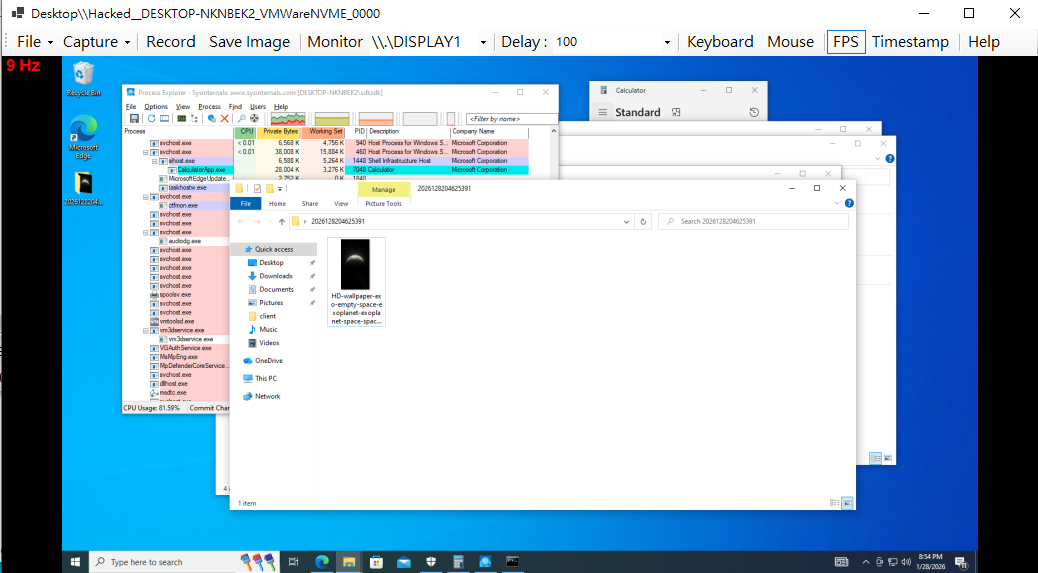
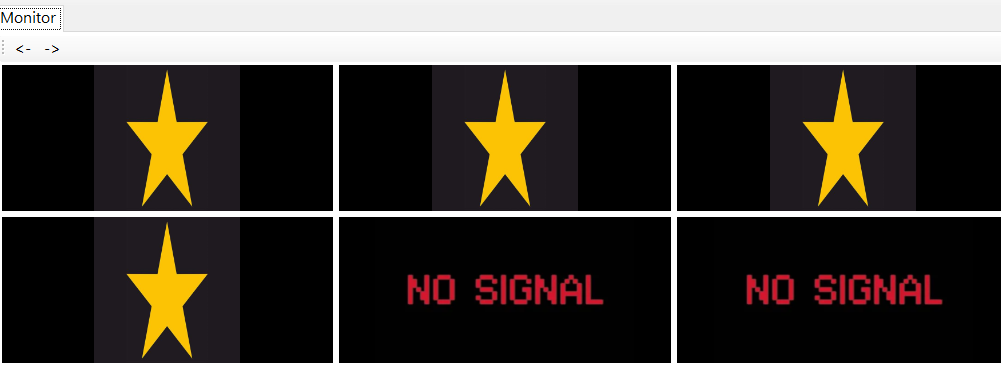
This idea is inspired by CCTV monitoring systems.
Each page displays up to 9 desktops.
Webcam
This idea is also inspired by CCTV monitoring systems.
Each page displays up to 9 webcams. Unlike Multi-Desktop, webcam images are not displayed automatically.
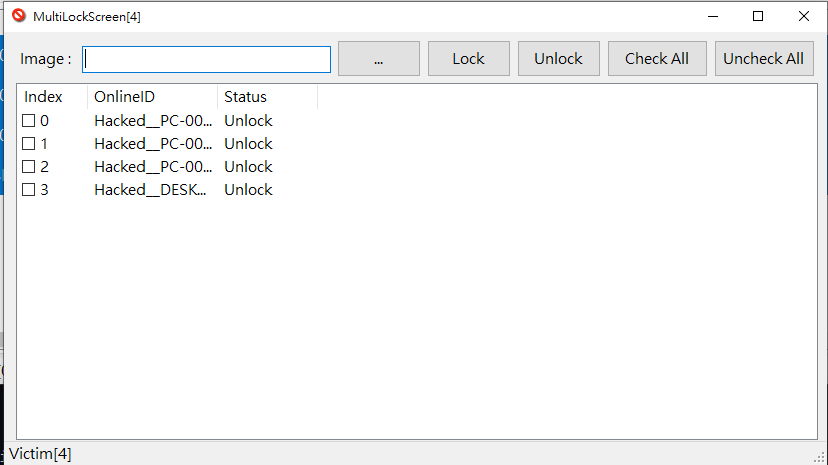
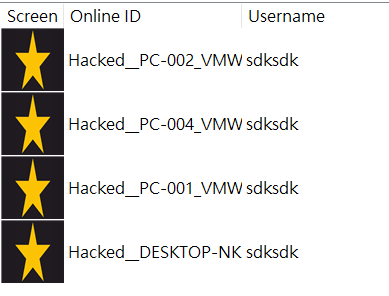
Lock Screen
This idea comes from the comic Keroro Gunso.
In the story, an alien character hijacks multiple computers and displays a star logo while their team invades Earth.

Run Script
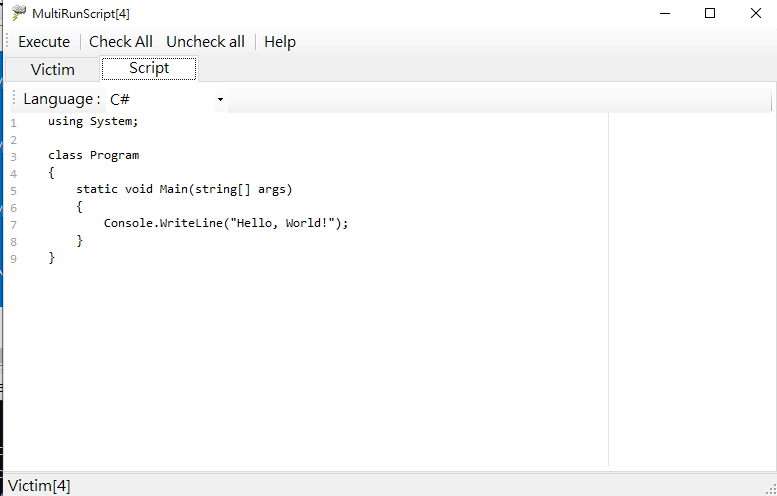
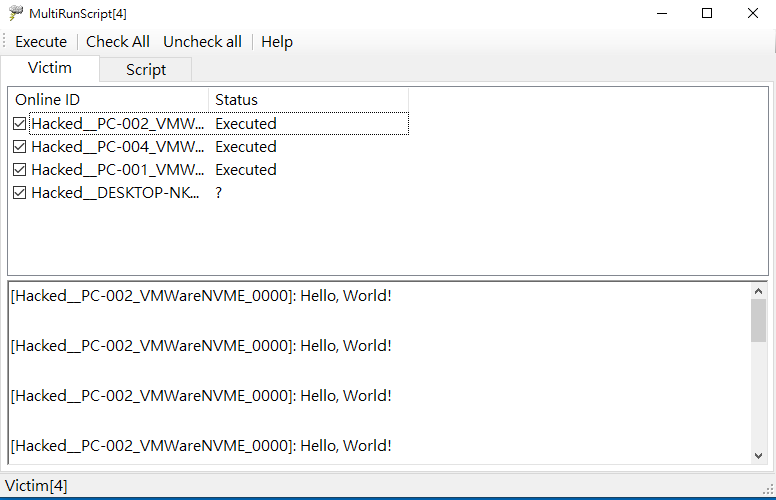
Send customized scripts to compromised machines.
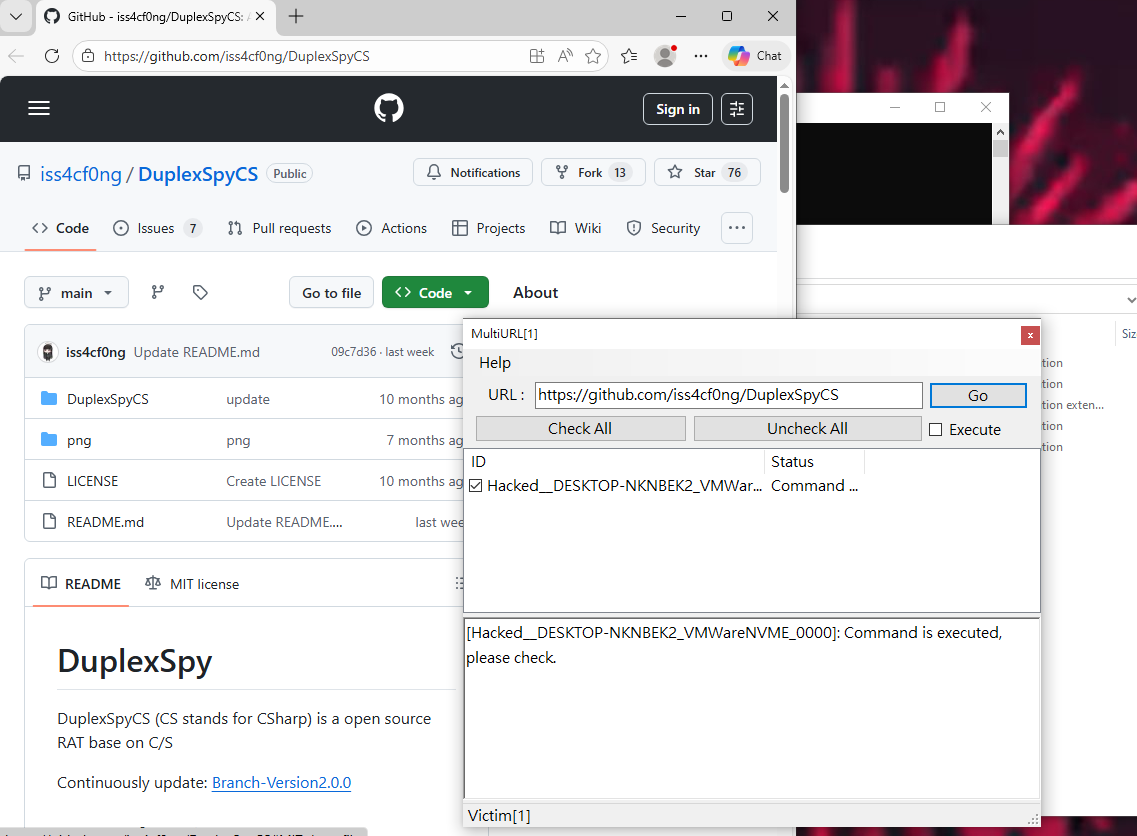
URL
Open a URL or download an executable from a specified URL.
Connection
- Reconnect: Notify the remote computer to reconnect to the server.
- Disconnect: Notify the remote computer to disconnect from the server. The payload will be terminated.
Client
- Sleep: Disconnect from the C2 server and reconnect after a specified delay.
- Update: Send a new payload to the compromised machine, delete the old payload, and execute the new one (not fileless).
- Remove: Terminate and delete the payload on the compromised machine.
Local
Some functions are executed on your server only:
- Open Folder: When a compromised machine is online, DuplexSpy creates a dedicated folder for it. This feature allows you to open the folder via
explorer.exe. - Highlight: Highlight the selected items.
Copy
This function also runs on your server only.
It allows you to copy the online ID or IPv4 address to your clipboard.
THANKS FOR READING!